

How to Build Your First AR App in Minutes
Why Augmented Reality Software for Beginners Is Easier to Use Than Ever
The best augmented reality software for beginners in 2026 includes these top picks:
- Halo AR – Create AR in seconds, no coding, free on iOS and Android
- Assemblr Studio – Drag-and-drop AR builder, free tier, 1M+ downloads
- EyeJack Creator – Completely free, upload video and audio overlays
- Adobe Aero – Free mobile and desktop app, interactive behaviors, no coding
- Snap Lens Studio – Free, powerful templates, great for social AR filters
- Meta Spark Studio – Free, build interactive effects for Instagram and Facebook
- Unity AR Foundation – Free for small studios, cross-platform, best for developers
Not long ago, building an AR experience meant hiring a developer and spending months in production. Today, you can launch your first AR experience in under 10 minutes — without writing a single line of code.
AR tools have gotten dramatically simpler. Free platforms let you upload a 3D model or video, attach it to an image or surface, and share it via QR code. The barrier to entry has essentially collapsed.
Whether you want to create interactive content for fans, build a product demo, or experiment with spatial computing for the first time, there is a tool built exactly for your skill level and budget.
I’m Samir ElKamouny, an entrepreneur and marketing expert who has helped scale countless businesses using cutting-edge technology, including augmented reality software for beginners and beyond. In the sections below, I’ll walk you through everything you need to choose the right tool and build your first AR experience today.
Essential augmented reality software for beginners terms:
Choosing the Best Augmented Reality Software for Beginners

Finding the right starting point in spatial computing can feel overwhelming with so many platforms vying for your attention. To make the best choice, we need to look at how these technologies work and which features will actually save you time and frustration.
What is AR and How Does It Differ from VR?
Before we jump into the tools, let’s clear up a common point of confusion. What exactly is the difference between Augmented Reality (AR) and Virtual Reality (VR)?
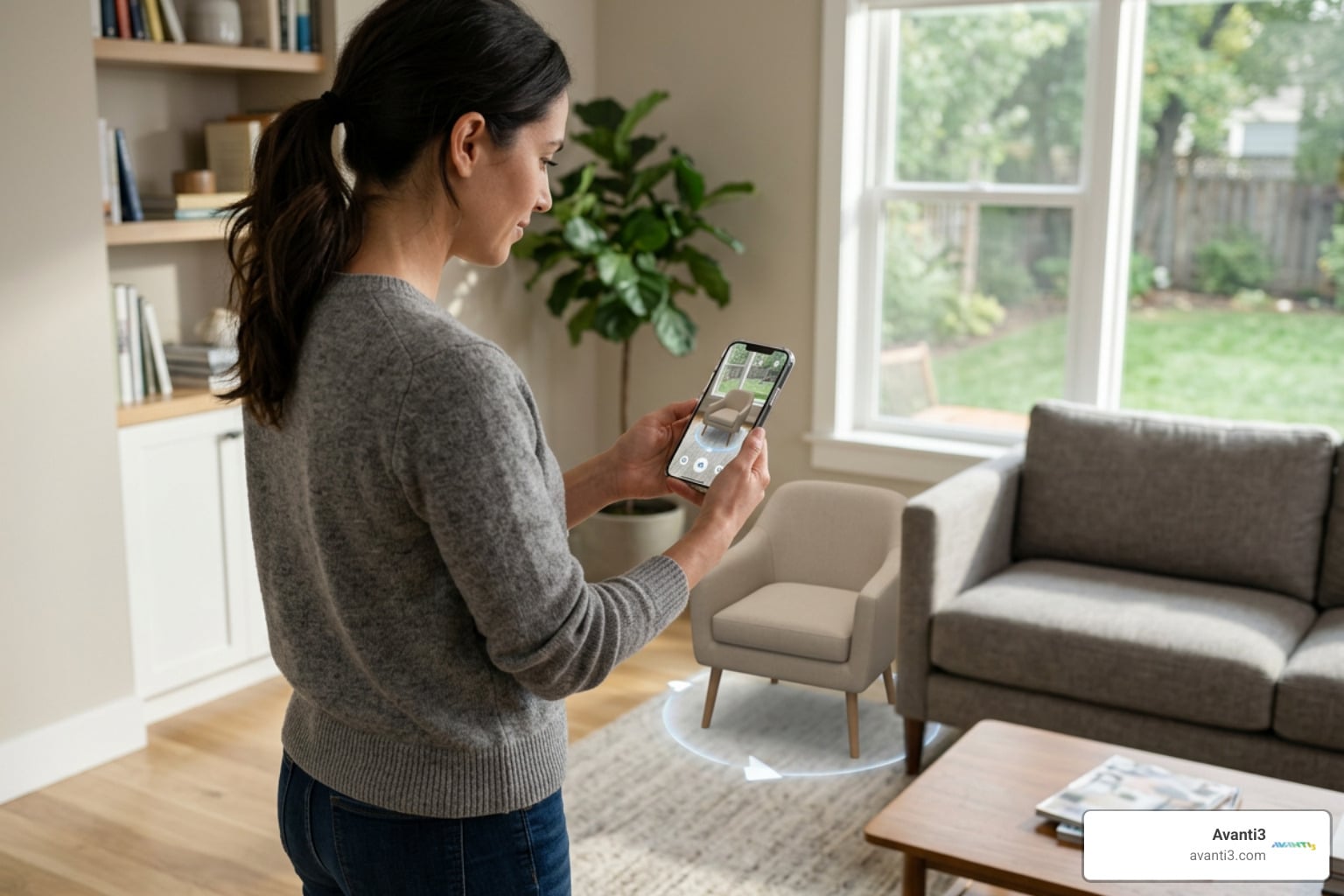
- Augmented Reality (AR) overlays digital elements onto our physical world. Using computer vision and the camera on your smartphone or headset, AR software detects your surroundings and places virtual objects—like a 3D dinosaur or an interactive menu—into your real-world environment.
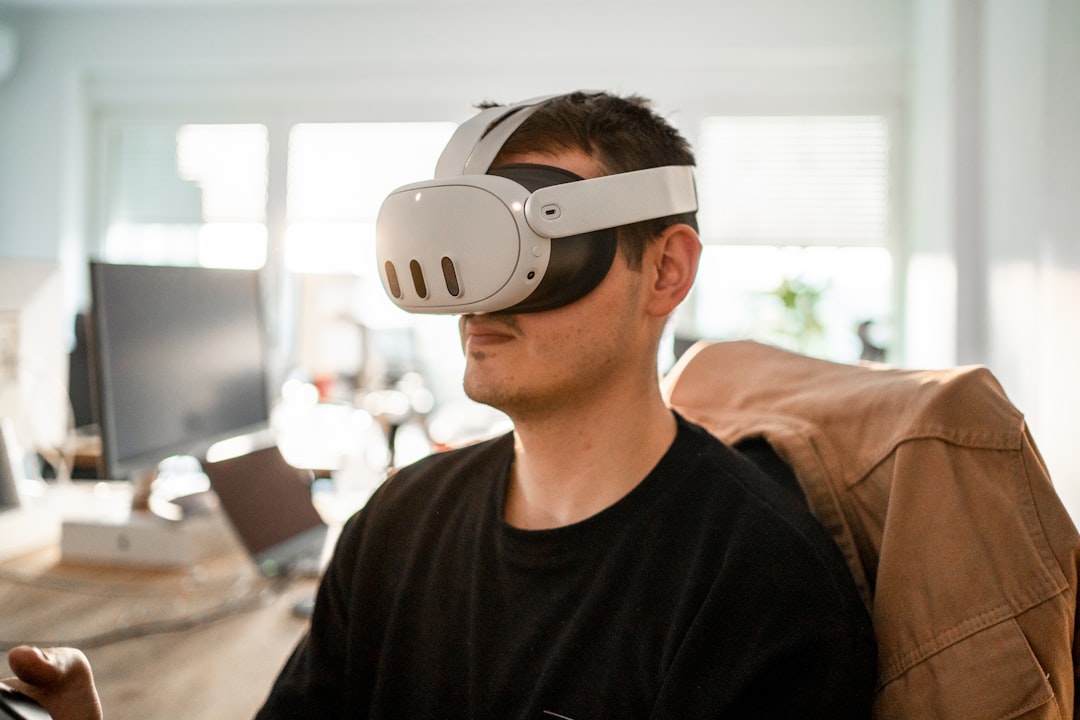
- Virtual Reality (VR) completely replaces your physical world. When you put on a VR headset, you are entirely immersed in a simulated virtual reality, shut off from your actual room.
For beginners, AR is incredibly accessible because it doesn’t require expensive headsets. Almost anyone with a modern smartphone can experience AR instantly. If you want to dive deeper into how these technologies are built from the ground up, check out our Ultimate A-Z Guide to AR Development.
Key Features to Look For in Augmented Reality Software for Beginners
When you are just starting out, you do not need complex programming environments. Instead, look for these beginner-friendly features:
- Tracking Capabilities: The software must be able to anchor digital objects in real space. Look for tools that support both image recognition (triggering an experience when the camera sees a specific image) and surface tracking (detecting flat surfaces like floors or tables).
- Drag-and-Drop Editors: You should be able to drag 3D models, videos, and audio directly into a visual editor without writing code.
- Affordable Pricing Models & Free Tiers: Many excellent platforms offer robust free options. For example, Assemblr Studio offers free creation with QR code access, and EyeJack Creator is completely free for video and audio overlays. Adobe Aero also provides a powerful free environment for designing interactive AR experiences on iOS and desktop.
- WebAR Support: This allows your audience to view your creation directly in a mobile browser via a QR code, eliminating the need to download an external app.
For a deeper dive into creating beautiful experiences without breaking the bank, read our guide on How to Create Augmented Reality Online Free Without Losing Your Mind.
Understanding No-Code and Low-Code AR Platforms
You do not need to be a software engineer to build immersive experiences in 2026. The market is packed with no-code and low-code options tailored for different projects:
- Visual AR Design Tools: Tools like Adobe Aero run on desktop and mobile, allowing you to build interactive experiences with drag-and-drop interfaces, making them perfect for educational lessons, art installations, and product showcases.
- Drag-and-Drop Mobile AR Creators: Apps like Halo AR and Assemblr Studio let you build 3D experiences directly on your phone or tablet. They are fantastic for classrooms, art galleries, and quick prototypes.
- Social Media AR Lens Creators: If you want to build filters for Snapchat or Instagram, platforms like Snap’s Lens Studio and Meta’s Spark AR Studio offer highly visual environments with powerful templates.
- Cloud-Based 3D Asset Managers: Services like echo3D offer a free plan with 10 credits to manage and stream your 3D assets in the cloud, making it easy to update your AR content in real-time without redeploying your app.
To explore how these visual builders work, read about how there is No Coding Required: Create Stunning AR Experiences Today. For a curated industry perspective, you can also review the 10 Best Augmented Reality Software Tools For 2026 – The CTO Club .
Comparing AR SDKs and Development Frameworks
If you eventually want to move past drag-and-drop tools and build custom, standalone mobile apps, you will want to look at Software Development Kits (SDKs) and game engines. Here is how the major developer platforms stack up:
| SDK / Framework | Primary Platform | Best For | Coding Required? | Cost |
|---|---|---|---|---|
| ARCore | Android, iOS, Unity | World-scale AR, cross-device Android apps | Yes | Free |
| ARKit | iOS exclusive | High-end iOS apps with LiDAR depth sensing | Yes | Free (with Apple Developer Account) |
| Unity AR Foundation | Cross-platform | Immersive 3D games and interactive apps | Yes (C#) | Free for small studios; Unity Pro is $1,800/year |
| Vuforia | Cross-platform | Enterprise, industrial training, cylinder tracking | Yes | Free basic plan; paid plans from $99/month |
| EasyAR | Cross-platform | Lightweight apps, local spatial mapping | Yes | Free basic edition; Pro version is a one-time $400 fee |
If you are developing specifically for Android devices, we highly recommend reading The Ultimate Guide to ARCore and Google Play Services for AR. For a broader comparison of professional developer toolsets, check out our guide to help you Stop Reality Bending Alone and Use These Best Augmented Reality Development Tools.
Step-by-Step Guide to Building Your First AR App

Now that you know what tools are available, let’s build something! You don’t need a computer science degree—just a smartphone and a few minutes.
Creating Your First Experience with Beginner-Friendly Augmented Reality Software
Let’s walk through how to build an experience using two of the most popular beginner techniques: trigger images and surface detection.
Method 1: Using a Trigger Image (Marker-Based AR)
A trigger image (or marker) is a physical image that the AR app recognizes to overlay digital content. Think of it like a highly visual QR code.
- Select Your Software: Open a beginner tool like Halo AR, Assemblr Studio, or Adobe Aero.
- Upload Your Trigger Image: Choose a flat, high-contrast image (like a book cover, poster, or postcard). Avoid plain white paper or reflective surfaces, as the camera needs unique “feature points” to track properly.
- Add Your Overlay Content: Drag and drop your digital asset onto the trigger image. This can be a 3D model, a YouTube video, or a custom graphic.
- Publish and Scan: Save your project. Open the app on your mobile device, point your camera at the physical trigger image, and watch your 3D model spring to life!
Method 2: Using Surface Detection (Markerless AR)
Surface detection uses your phone’s built-in frameworks (ARCore or ARKit) to find flat surfaces like a desk or floor.
- Set Up Your Scene: In your chosen software, select “Surface Tracking” or “World Mode.”
- Select a 3D Asset: Import a 3D model (ideally in GLB or glTF format to keep file sizes small and textures intact). You can find thousands of free models through built-in integrations like Sketchfab.
- Define World Anchors: Place your model in the virtual scene. The software uses “world anchors” to virtually nail the object to the floor so it doesn’t drift when you move your phone.
- Test on Your Phone: Open the experience, slowly pan your phone camera across the floor for 2 to 3 seconds to let the software detect the surface, and tap to place your 3D object.
To see step-by-step educational exercises on building interactive world-space experiences, check out the Learn with Lemon — AR Curriculum . If you prefer structured video learning, you can enroll in Augmented Reality (AR) For Beginners: Create AR Apps Today! . For more creative ideas, read our guide on AR Content Creation and the ISTE blog post Create AR Using These 5 Apps – ISTE .
Hardware Requirements and Best Practices for Launching
To ensure your first AR project runs smoothly, keep these hardware and design best practices in mind:
- Device Compatibility: For Android, ensure your device supports Google Play Services for AR. For iOS, you will need a device running iOS 14.0 or later.
- Camera and Lighting: AR relies heavily on computer vision. Always test your experiences in well-lit rooms. Plain, untextured surfaces (like a blank white wall) are notoriously difficult for cameras to track, so try to target textured surfaces.
- Optimize Your Assets: Keep your 3D models low-poly and compress your videos. Large files will cause lag and ruin the user experience.
At Avanti3, we integrate Web3 technologies like NFTs, blockchain, AR/VR, and AI to empower creators and brands with customizable engagement tools and fintech solutions. If you want to design experiences that truly resonate with your audience, check out our guide on AR Experience Design: What It’s Like and How to Get Started.
Ready to take your business or creative project to the next level with cutting-edge spatial experiences? Explore our Avanti3 AR Marketing Solutions to see how we can help you build custom, Web3-integrated AR campaigns that captivate your audience and drive real engagement.