

The Complete Guide to AR VR Application Development
What Is AR VR Application Development (And Why It Matters in 2026)
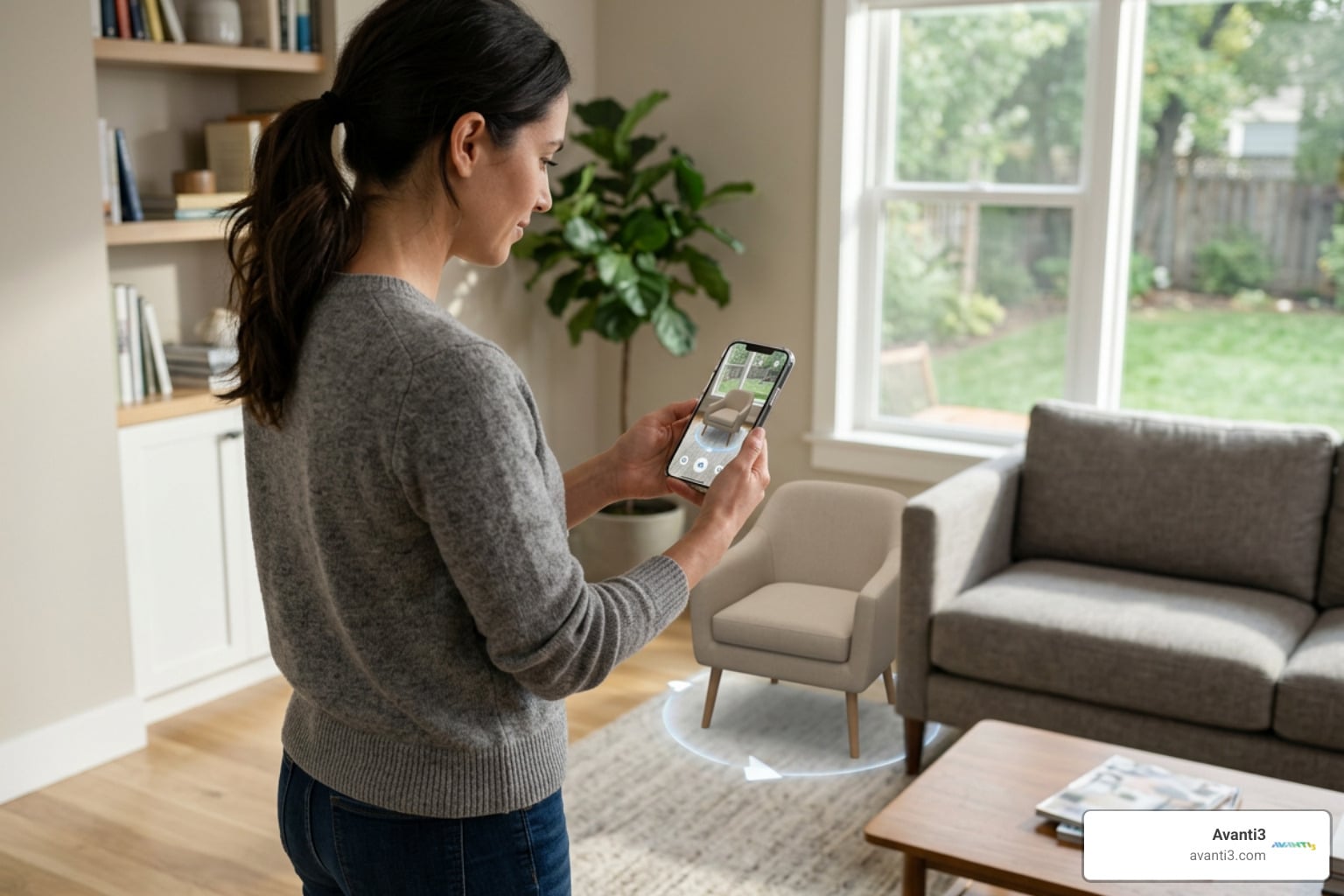
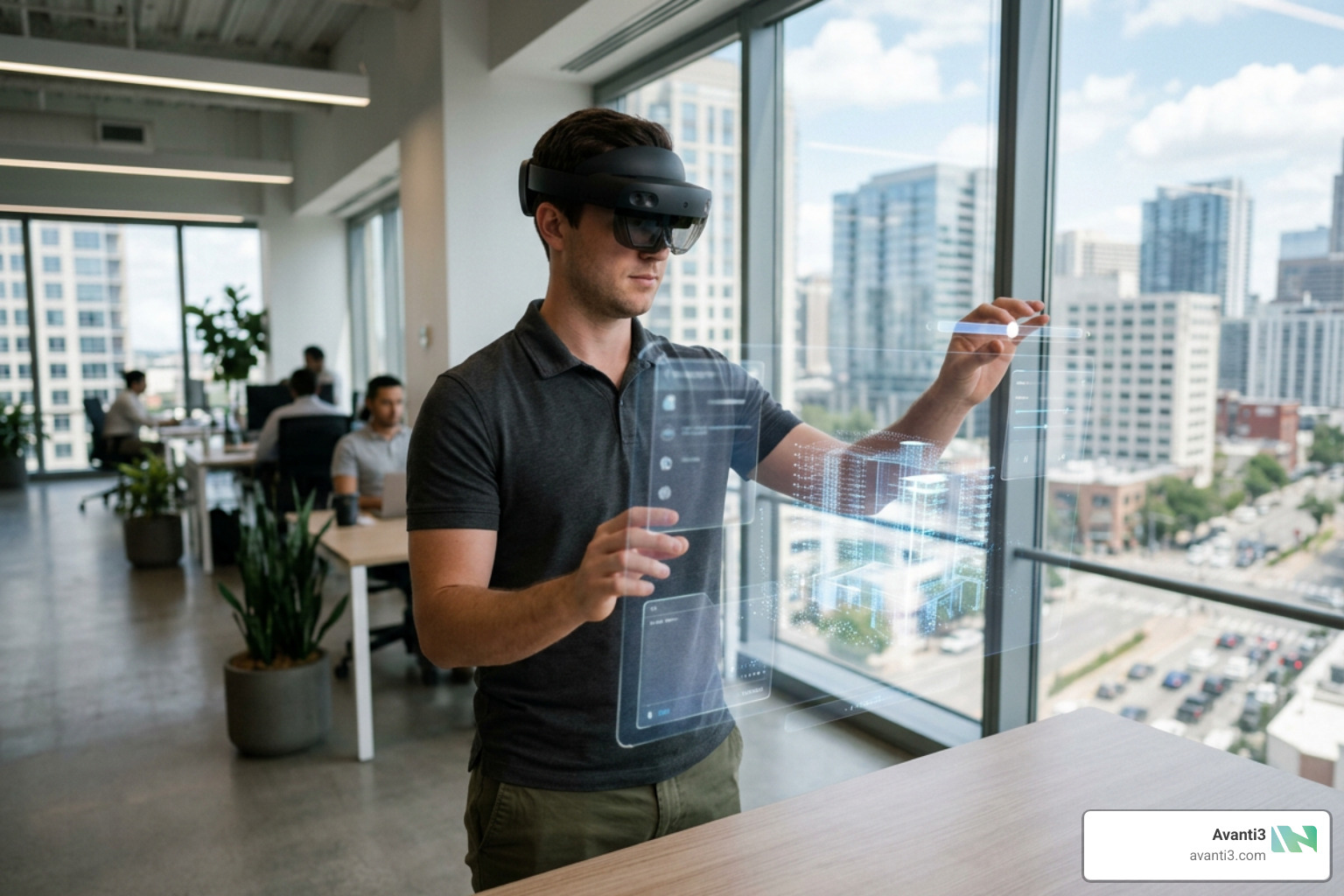
AR VR application development is the process of building software that places digital content inside the real world (AR) or replaces the real world entirely with a simulated environment (VR).
Here is a quick breakdown to get you oriented:
| Augmented Reality (AR) | Virtual Reality (VR) | |
|---|---|---|
| What it does | Overlays digital content onto the real world | Replaces the real world with a virtual environment |
| Common devices | Smartphones, smart glasses, HoloLens | Meta Quest 3, Apple Vision Pro, PC-tethered headsets |
| Best for | Retail, manufacturing, navigation, training | Gaming, simulation, therapy, immersive training |
| Entry barrier | Low — most smartphones already support it | Higher — requires a dedicated headset |
| Key tools | ARCore, ARKit, OpenXR | Unity, Unreal Engine, Meta Spatial SDK |
The opportunity here is enormous. VR gaming alone generated $22.9 billion in global revenue as far back as 2020, and that figure has only grown since. Meanwhile, AR is quietly transforming industries from healthcare to retail — often without users even realizing they are inside an immersive experience.
But building for AR or VR is genuinely hard. Device fragmentation, latency issues, tracking accuracy, and compliance requirements all trip up teams who jump in without a clear plan. This guide exists to change that.
I’m Samir ElKamouny, a marketing strategist and entrepreneur who has worked across the intersection of emerging technology and business growth, including AR VR application development projects where immersive experiences drive real audience engagement and revenue. Let’s walk through everything you need to know, from the technical foundations to the full development lifecycle.
Technical Foundations of AR VR Application Development
To build successful spatial software, we must first understand how these technologies interact with physical space and user inputs. The development environment, hardware targets, and tracking mechanisms differ fundamentally depending on the medium you choose.
AR vs VR: The Developer’s Dilemma
When embarking on an AR VR Application project, developers face what is known as the “developer’s dilemma.” This is the choice between designing for the real world (AR) or constructing an entirely simulated environment (VR).
For a deeper dive into this initial crossroad, you can read about the Augmented Reality vs Virtual Reality: The Developer’s Dilemma.
From a technical standpoint, the differences lie in how the software processes space:
- Augmented Reality (AR): AR applications rely heavily on SLAM (Simultaneous Localization and Mapping) and spatial mapping. The software uses the device’s camera feed, depth sensors, and light estimators to recognize flat surfaces, walls, and real-world objects. It then superimposes 3D digital assets onto those coordinates. The main challenge here is environment tracking under changing lighting conditions.
- Virtual Reality (VR): VR applications completely block out the physical world. Instead of mapping real-world surfaces, the software interfaces with hardware sensors like IMUs (Inertial Measurement Units), ambient light sensors, and high-frequency camera-based tracking to calculate the user’s head and hand movements in 360-degree space. The challenge here is rendering complex 3D environments smoothly to prevent motion sickness.
Essential SDKs for AR VR Application Development
Before writing a single line of code, you need to select the right Software Development Kits (SDKs) to bridge the gap between your software and the hardware.
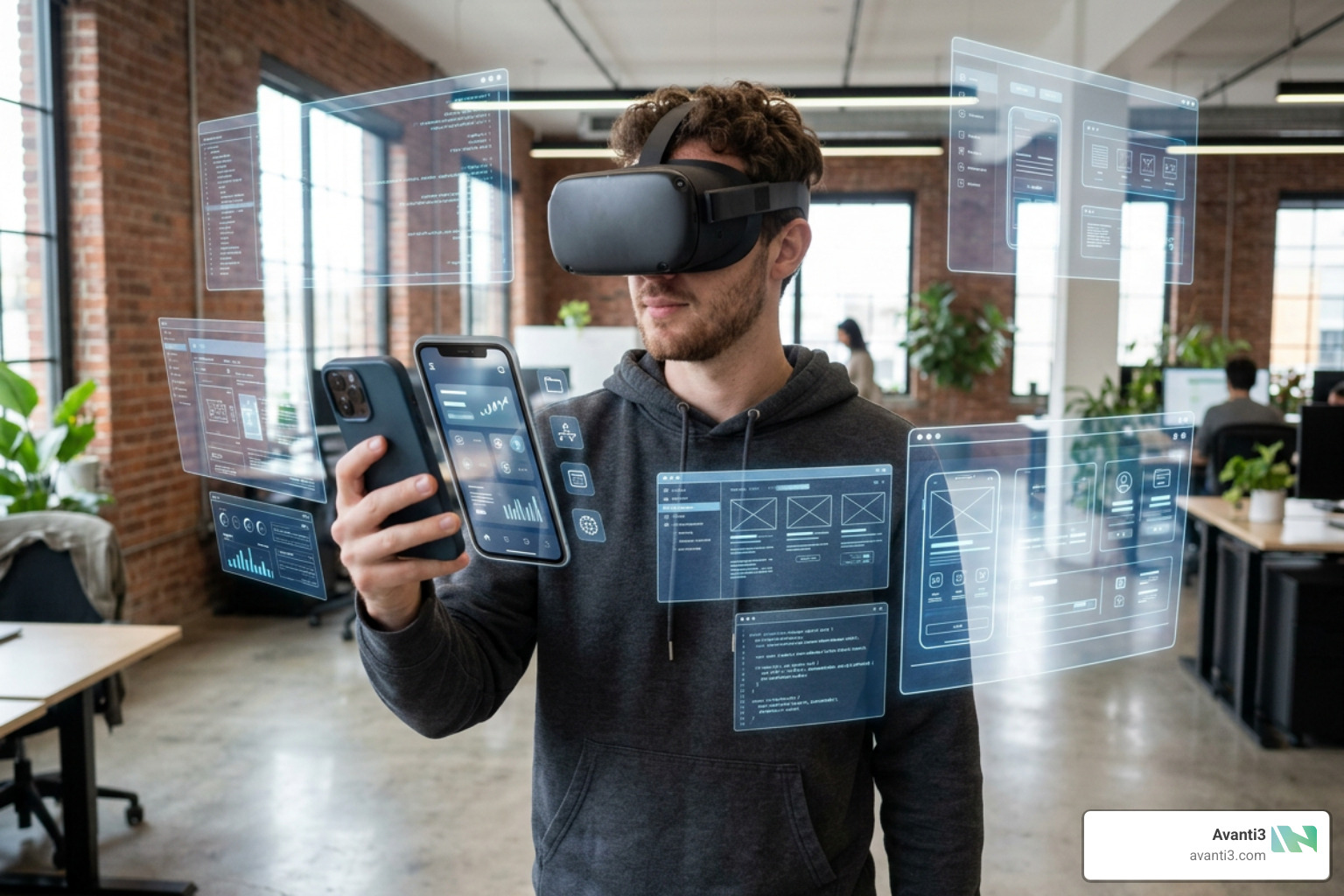
For mobile-based AR Apps Development, the two dominant native SDKs are:
- ARCore (Google): Google’s SDK for Android and iOS. It provides robust motion tracking, environmental understanding, depth estimation, and light estimation. Its Geospatial API allows developers to anchor digital content to real-world coordinates mapped by Google Street View, enabling global-scale AR experiences.
- ARKit (Apple): Apple’s native framework for iOS and visionOS. It offers industry-leading face tracking, plane detection, and object occlusion. To learn more about native iOS capabilities, explore Apple’s official documentation on Augmented Reality.
To avoid writing separate codebases for every headset on the market, we strongly advocate using OpenXR. OpenXR is an open, royalty-free standard that simplifies cross-platform XR development. By targeting OpenXR, your application can run across Meta Quest, HTC Vive, and other major platforms without requiring device-specific SDK rewrites.
Choosing Engines: Unity vs Unreal Engine
Selecting the right 3D engine is one of the most critical decisions a VR App Company will make. The industry is dominated by two powerhouses:
- Unity: Unity is the preferred choice of 45% of VR developers. It uses C# as its primary programming language and features a highly modular architecture. Unity’s Universal Render Pipeline (URP) is exceptionally well-suited for mobile VR headsets (like the Meta Quest) because it optimizes performance without draining battery life.
- Unreal Engine: Unreal Engine uses C++ and a visual scripting tool called Blueprints. It is famous for its cinematic, photorealistic visual quality. Features like Nanite (virtualized geometry) and Lumen (real-time global illumination) allow developers to import film-quality 3D assets directly. However, it demands significantly higher computational power, making it more challenging for standalone mobile VR optimization.
The Lifecycle and Future of Spatial Computing
Building a spatial application requires moving beyond flat-screen design principles. We must optimize for human-eye perception, leverage modern web standards, and follow structured workflows.
Optimizing Performance and Overcoming Technical Challenges
In traditional mobile apps, a dropped frame results in a minor lag. In VR, a dropped frame or high latency causes immediate physical discomfort and motion sickness.
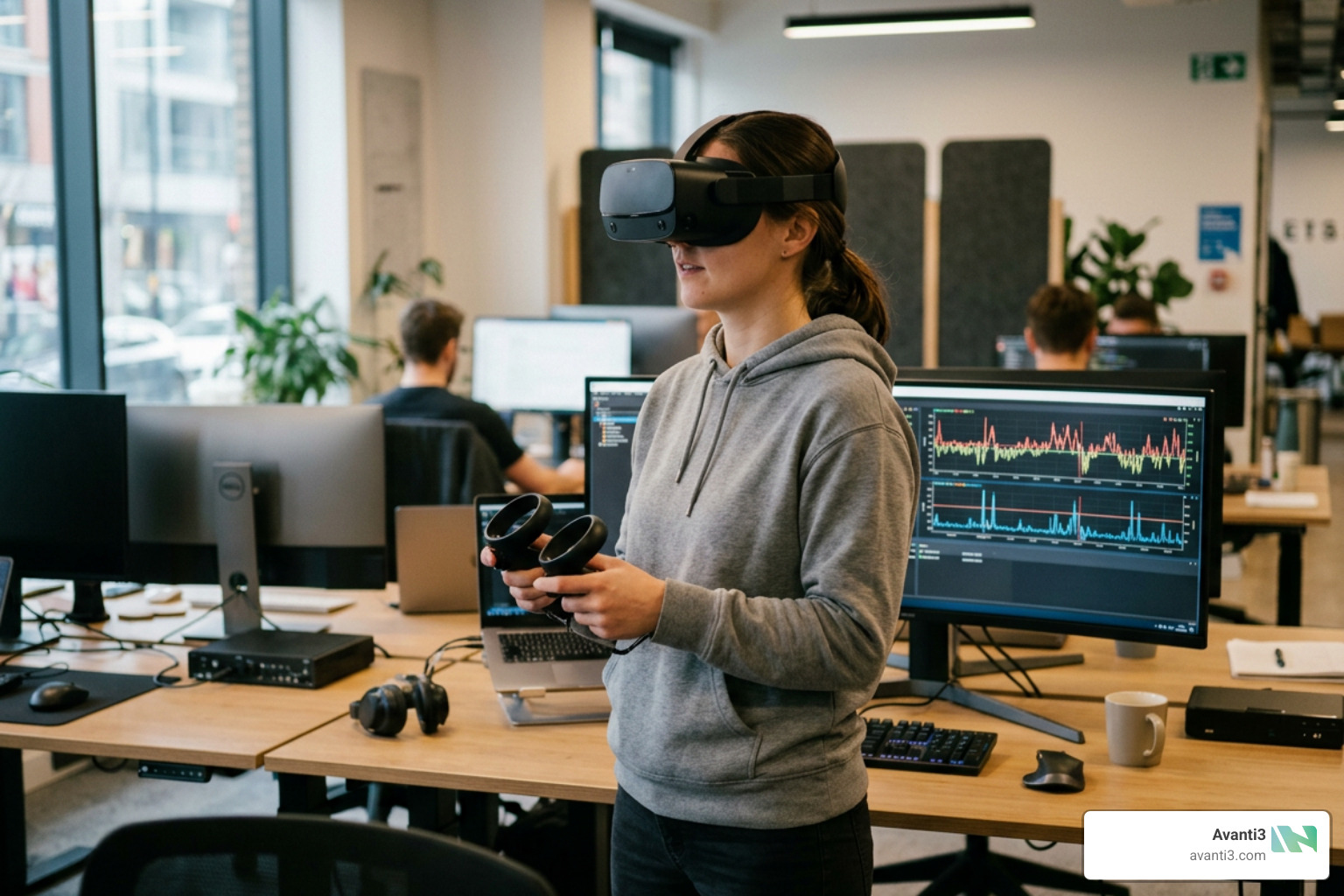
When delivering our AR VR Application Development Services, we focus on overcoming three core technical hurdles:
- Latency and Frame Rates: VR applications must maintain a stable frame rate (typically 72Hz to 120Hz depending on the headset) with a motion-to-photon latency of under 20 milliseconds.
- Device Fragmentation: The hardware market is highly fragmented. To handle this, we optimize 3D assets (minimizing polygon counts, baking lighting into textures, and reducing draw calls) so they run smoothly on lower-spec mobile GPUs.
- Tiled Rendering Limitations: Standalone headsets utilize mobile GPUs that rely on tiled rendering architectures. This means the screen is split into small tiles to process graphics efficiently. To optimize for this, developers must limit complex transparent shaders and heavy post-processing effects.
Emerging Trends: WebAR, Cloud Rendering, and AI Integration
The spatial computing landscape is moving fast. Three major trends are currently reshaping how we build and deploy applications:
- WebAR and WebXR: Downloading a heavy app just to view a 3D product is a major friction point. WebXR allows immersive experiences to run directly inside modern web browsers without any app installation. Developers can utilize tools like the Immersive Web SDK to set up browser-based projects using Node.js and TypeScript. For a step-by-step setup guide, check out Chapter 1: Project Setup | Immersive Web SDK.
- Cloud Rendering: To bypass the physical limitations of mobile headsets, cloud rendering streams high-fidelity graphics from remote servers directly to the device. This allows lightweight headsets to display highly detailed CAD models and complex simulations.
- AI-Assisted Development: Artificial intelligence is streamlining the coding process. For example, developers can now use the Model Context Protocol (MCP) to give AI assistants direct control over the Unity Editor. This allows for “vibe coding,” where natural language prompts generate 3D layouts, scripts, and shaders in real-time. To set up this workflow, see the official guide on how to Set up Unity for AI-powered Meta Quest VR development | Meta Horizon OS Developers.
The Step-by-Step Process of AR VR Application Development
A production-grade spatial application requires a disciplined, iterative development lifecycle.

1. Discovery and Use Case Mapping
We begin by defining the exact problem the application solves. We map out user workflows and spatial requirements, ensuring the chosen technology aligns with the user’s physical environment.
2. Prototyping and Grayboxing
Before designing high-fidelity 3D assets, we use “grayboxing”—placing simple 3D shapes in the engine—to test scale, distance, and basic interactions. This establishes a shared spatial vocabulary between designers and developers early on.
3. Core Development and Web3 Integration
This is where we write the interaction logic, integrate SDKs, and set up rendering pipelines. At Avanti3, we believe the future of spatial computing is decentralized and intelligent. We specialize in integrating Web3 technologies like NFTs, blockchain, AR/VR, and AI to empower creators and brands with customizable engagement tools and fintech solutions. This allows us to build unique digital experiences, rewards systems, and community-building opportunities that set a new standard in digital engagement.
If you are curious about the technical steps of building an AR app, you can explore our guide on How to Develop Augmented Reality Application.
4. Device Integration and Testing
We run early builds directly on the target hardware to check for tracking issues, physics bugs, and user comfort.
5. Compliance, Security, and Deployment
Before launching, applications must comply with strict industry standards. This includes data privacy regulations like GDPR (especially important when handling eye-tracking or spatial mapping data), ISO 27001, and SOC 2 Type II. For VR headsets, the software must pass mandatory platform checks (such as Meta’s Virtual Reality Checks) to ensure performance and safety standards are met.
If you are planning your budget for an upcoming project, we highly recommend reviewing our detailed breakdown of VR App Development Costs: What You Need to Know Before You Build.
Ready to Build Your Spatial Vision?
Developing for AR and VR requires a unique mix of spatial design, performance optimization, and robust software engineering. Whether you are looking to build a browser-based WebAR tool, an immersive VR training simulation, or a decentralized spatial experience powered by Web3, we are here to help.
Explore how we can bring your project to life by visiting our AR VR Immersive Experiences hub, and let’s build the future of digital engagement together.