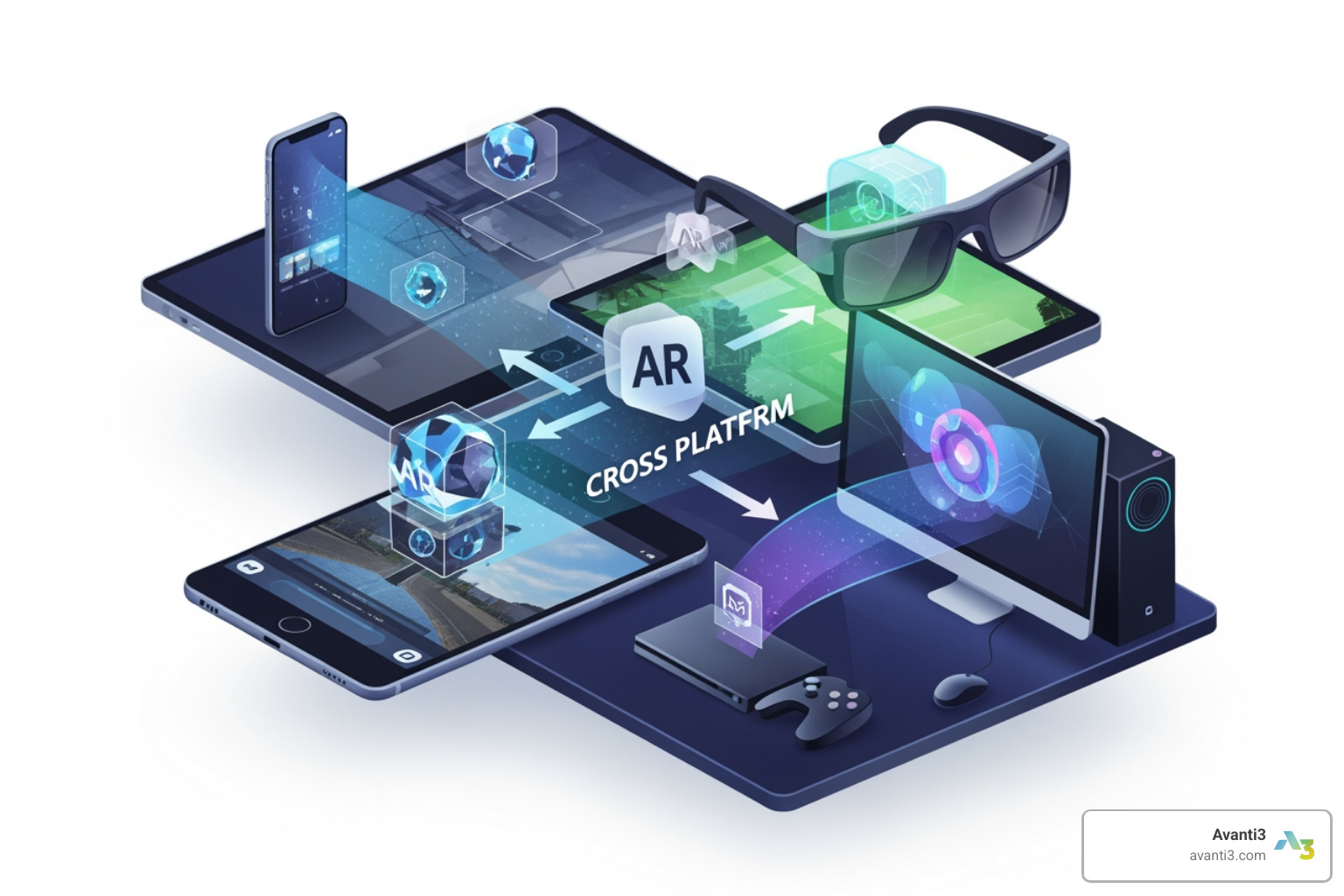


Building Universal AR Experiences with Cross-Platform Development
Why Cross Platform AR Development Is Transforming Digital Engagement
Cross platform AR development is the practice of building augmented reality experiences that run consistently across iOS, Android, and web browsers — using a single codebase or shared framework instead of rebuilding separately for each framework.
Here’s a quick overview of what that means in practice:
| Aspect | What It Means |
|---|---|
| What it is | Building AR apps that work on iOS, Android, and/or web from one shared codebase |
| Key frameworks | Unity AR Foundation, 8th Wall, AR.js, ARCore, ARKit |
| Main benefit | Reach more users without tripling your development cost |
| Biggest challenge | Hardware differences between devices (sensors, processing power, depth cameras) |
| Best for | Brands, creators, and developers who need broad reach without platform lock-in |
Augmented reality is no longer a novelty. It’s becoming a standard tool for how brands engage customers, train employees, and showcase products. In fact, research from Gartner projected that 70% of enterprises would be experimenting with immersive technologies like AR by 2022 — and adoption has only accelerated since.
But here’s the problem: iOS and Android handle AR very differently under the hood. Add web browsers to the mix, and you’ve got a genuine engineering puzzle.
Building for every platform separately is expensive and slow. Building cross-platform — if done right — lets you move faster and reach everyone.
I’m Samir ElKamouny, a marketing and technology strategist who has helped brands harness emerging technologies — including cross platform AR development — to drive audience engagement and revenue growth. In this guide, I’ll walk you through everything you need to know to make smart decisions about your AR development approach.
Cross platform AR development terms simplified:
- augmented reality applications developers
- cost to develop an ar app
- how to develop augmented reality application
The Core Challenges of Cross Platform AR Development
When we set out to build a “universal” AR experience, we immediately run into a wall of hardware fragmentation. Unlike standard web development where a button usually looks like a button on any screen, AR relies on physical sensors to “see” the world. If those sensors differ, the experience breaks.
The primary hurdle in cross platform AR development is the gap between Apple’s tightly controlled ecosystem and the “Wild West” of Android devices. Apple’s ARKit benefits from a limited number of camera and sensor configurations, while Google’s ARCore must support thousands of different device models with varying camera qualities and CPU speeds.
Sensor Diversity and Processing Power
The most significant hardware divide today is the presence of LiDAR (Light Detection and Ranging). High-end iPhones and iPads use LiDAR for instant, centimeter-precise depth sensing. Most Android devices, however, still rely on standard RGB cameras and IMUs (Inertial Measurement Units) to estimate depth through software.
| Feature | iOS (ARKit) | Android (ARCore) | Web (WebXR/8th Wall) |
|---|---|---|---|
| Primary Depth Sensor | LiDAR (on Pro models) | Mostly RGB Camera / ToF | RGB Camera |
| Plane Detection | Fast, highly reliable | Reliable on certified devices | Limited to horizontal/basic |
| Face Tracking | High precision (TrueDepth) | Good (on supported models) | Browser-dependent / Varied |
| Occlusion | Advanced (Real-time) | Basic to Moderate | Limited |
This hardware gap affects everything from how quickly a virtual chair appears on your floor to how realistically a digital character hides behind your real-world sofa (occlusion). For more on how these technologies blend, check out our guide on ar-vr-immersive-experiences.
Environmental Understanding and UI Consistency
Beyond the sensors, we face the challenge of environmental understanding. ARCore and ARKit handle low-light conditions differently. An app that works perfectly in a sunny living room on an iPhone might struggle to find the floor on a mid-range Android device in the same room.
Furthermore, we have to consider UI/UX consistency. Gesture handling — like pinching to zoom or rotating an object — needs to feel native to the user, yet remain consistent across platforms. Platform-specific permissions also add friction; iOS might ask for camera access in a different way than a Chrome browser on Android, requiring us to design flexible onboarding flows that don’t scare users away.
Choosing the Right Framework for Cross Platform AR Development
To solve these challenges, we turn to abstraction layers — frameworks that allow us to write code once and deploy it everywhere. Choosing the right one is arguably the most important business decision in your project’s lifecycle.
1. Unity AR Foundation
Unity is the “heavyweight champion” of cross platform AR development. AR Foundation is a purpose-built wrapper that sits on top of both ARKit and ARCore. It allows us to use a single API to access features like plane detection, point clouds, and light estimation.
- Best For: High-fidelity games, complex industrial training, and retail apps where visual quality is paramount.
- Cost: Unity has a free tier for small creators, but Unity Pro costs roughly $1,800/year per seat for larger teams.
2. 8th Wall (Niantic)
If your goal is maximum reach without forcing a user to download an app, 8th Wall is the industry leader for WebAR. It brings world-class SLAM (Simultaneous Localization and Mapping) to the mobile browser.
- Best For: AR marketing solutions and brand activations.
- Cost: Subscription-based, ranging from $9 to $99/month for starters, with higher enterprise tiers.
3. AR.js and WebXR
For budget-conscious or open-source projects, AR.js is a fantastic lightweight option. It’s excellent for marker-based AR (like scanning a QR code to see a 3D logo).
- Best For: Simple educational tools and quick prototypes.
When evaluating these, consider the lifecycle costs. While a native app might offer better performance, the maintenance overhead of managing two separate codebases (Swift for iOS and Kotlin for Android) can triple your long-term costs. Cross-platform tools consolidate this into one maintenance pipeline.
Native vs. Cross-Platform: When to Choose Each
The “Native vs. Cross-Platform” debate usually comes down to a trade-off between performance and reach.
Choose Native (ARKit/ARCore) if:
- You need cutting-edge features the moment they launch (like Apple’s latest RoomPlan API).
- You are building a high-performance app where every millisecond of latency matters. ARCore, for instance, provides a 52ms median pose time on Snapdragon 8 Gen 3 devices — a speed that web-based solutions struggle to match.
- Your audience is strictly on one platform (e.g., an internal corporate tool for employees with company-issued iPhones).
Choose Cross-Platform if:
- Budget is a constraint: You can’t afford two or three separate development teams.
- Rapid Prototyping: You need to test an idea across a broad audience quickly.
- Balanced Audience: Your data shows an even split between iOS and Android users.
- Maintenance: You want to push updates and bug fixes to all users simultaneously.
In cross platform AR development, we often use the “Progressive Enhancement” strategy: build a core experience that works for everyone, then add “bonus” features (like LiDAR-based occlusion) for users on high-end devices.
WebAR and the Future of Instant Access
The biggest friction point in AR today is the “app download.” Most users won’t wait two minutes to download a 100MB app just to see a virtual 3D model of a pair of shoes. This is where WebAR shines.
WebAR allows users to access an experience instantly via a URL or a QR code. By removing the download barrier, brands often see much higher engagement rates in augmented reality marketing campaigns.
The Limitations of the Browser
However, WebAR isn’t magic; it has limitations. Because it runs inside a browser (like Safari or Chrome), it doesn’t have direct access to the device’s hardware in the same way a native app does.
- Tracking: While 8th Wall is excellent, browser-based tracking is generally less “sticky” than native ARKit tracking.
- Vertical Planes: Many web solutions struggle with detecting walls (vertical planes) compared to floors (horizontal planes).
- Face Tracking: While improving, face tracking in the browser can be inconsistent across different mobile browser versions.
The future here lies in cloud-based content management. Tools like echo3D allow developers to stream 3D assets to the browser in real-time, keeping the initial load time low while still delivering high-quality visuals.
Strategies for Scalable and Performant AR Apps

Scaling an AR app from a single prototype to a global product requires a “performance-first” mindset. If your app drains a user’s battery in ten minutes or makes their phone uncomfortably hot (thermal throttling), they will delete it.
Optimizing Performance in Cross Platform AR Development
Performance optimization in AR is all about managing the “triangle count” and “draw calls.”
- Polygon Reduction: A 3D model for a movie might have millions of polygons. For cross platform AR development, we need to crush that down to a few thousand without losing visual quality.
- Texture Compression: Use smaller, compressed textures to save memory.
- Dynamic Quality Adjustment: We can write scripts that detect the device’s capabilities at runtime. If the phone is a high-end Snapdragon 8 Gen 3, we enable high-res shadows. If it’s a four-year-old budget phone, we turn them off to maintain a stable frame rate.
Stability is key. A jittery AR object that “pops” in and out of existence ruins the immersion. Aiming for that 52ms pose time ensures that the virtual object feels like it’s actually pinned to the real world. This is especially vital for high-stakes environments like augmented reality concerts, where timing and visual sync are everything.
Achieving Feature Parity Across iOS, Android, and Web
How do you make sure the experience is “fair” for everyone? We use three main strategies:
- Graceful Degradation: If a device doesn’t support a feature (like hand tracking), the app should still work using standard touch controls.
- Fallback Mechanisms: If LiDAR isn’t available, fall back to standard plane detection.
- Centimeter-Level Localization: For large-scale projects, we use Visual Positioning Systems (VPS). Tools like MultiSet VPS or Google’s Geospatial API allow for centimeter-level accuracy by comparing the camera feed to Google Street View data. This allows us to anchor AR content to specific buildings or city streets globally.
For those looking to merge AR with digital ownership, these scalable strategies are essential when building augmented reality NFTs, ensuring that a user’s digital collectible looks great whether they are viewing it on a flagship iPhone or a mid-range Android tablet.
Conclusion: Building the Next Generation of Engagement
At Avanti3, we believe that the future of digital interaction isn’t just about looking at a screen — it’s about stepping through it. By mastering cross platform AR development, we empower creators and brands to build experiences that are truly universal.
Whether you are looking to integrate Web3 technologies like NFTs and blockchain into your AR project, or you want to build a rewards system that monetizes fan engagement, the framework you choose today will define your reach tomorrow. We specialize in future-proofing these projects, ensuring that your 3D content is scalable, performant, and ready for the next wave of hardware, from smartphones to smart glasses.
The barrier between the digital and physical worlds is thinning. Are you ready to build what’s next? Explore Avanti3 AR/VR Immersive Experiences to see how we can bring your vision to life across every platform.