

Why AR Experience Design Matters for Modern Creators and Brands
AR experience design is the process of creating immersive experiences that overlay virtual content onto the real world. Unlike virtual reality, which replaces your environment, augmented reality improves what you already see, letting users interact with digital objects while staying grounded in their physical space.
Key elements of effective AR experience design include:
- Spatial awareness – Understanding how users move and interact in 3D space
- Contextual onboarding – Teaching users through visual cues rather than text instructions
- Seamless UI – Balancing screen elements with augmented reality objects
- Performance optimization – Maintaining 60 frames per second for smooth experiences
- User safety – Designing with physical environment limitations in mind
The technology is ready for explosive growth. With billions of smartphone users, AR is no longer limited to expensive headsets. Native support on Android (ARCore) and iOS (ARKit) makes it accessible to creators and brands of all sizes.
However, traditional UI/UX skills don’t always translate to AR. Designers must think beyond 2D screens and consider how users move through 3D space. The initial “wow factor” can mask usability issues, as the novelty of the technology often overshadows practical design flaws.
AR is a tool to deliver value. The best applications solve real problems, reduce task completion time, or empower users with new information in a way that feels natural, not forced.
Throughout a career helping businesses scale through innovative marketing and digital strategies, it’s clear how effective AR experience design can transform customer engagement and create entirely new revenue streams. This guide will walk you through the core principles and practical steps to start designing your own AR experiences—even if you’ve never worked with immersive technology before.
The Core Principles of Effective AR Experience Design
The essence of AR experience design is designing for spatial computing, where digital objects coexist and interact within our physical world. This moves beyond the flat screen, demanding a user-centered approach that prioritizes contextual awareness, deep immersion, and natural interactivity. The goal is to create experiences that are not just visually impressive but also intuitive, useful, and seamlessly integrated into the user’s environment. The augmented reality design guidelines emphasize creating a world that feels both immersive and easy to use.
Understanding the User’s Environment and Context
In AR, the environment is an active participant. Experiences depend on the user’s surroundings, so the UX must be spatial, interactive, and contextual. To design effectively, we categorize environments:
- Intimate Space: Within arm’s reach (e.g., a virtual object on a tabletop).
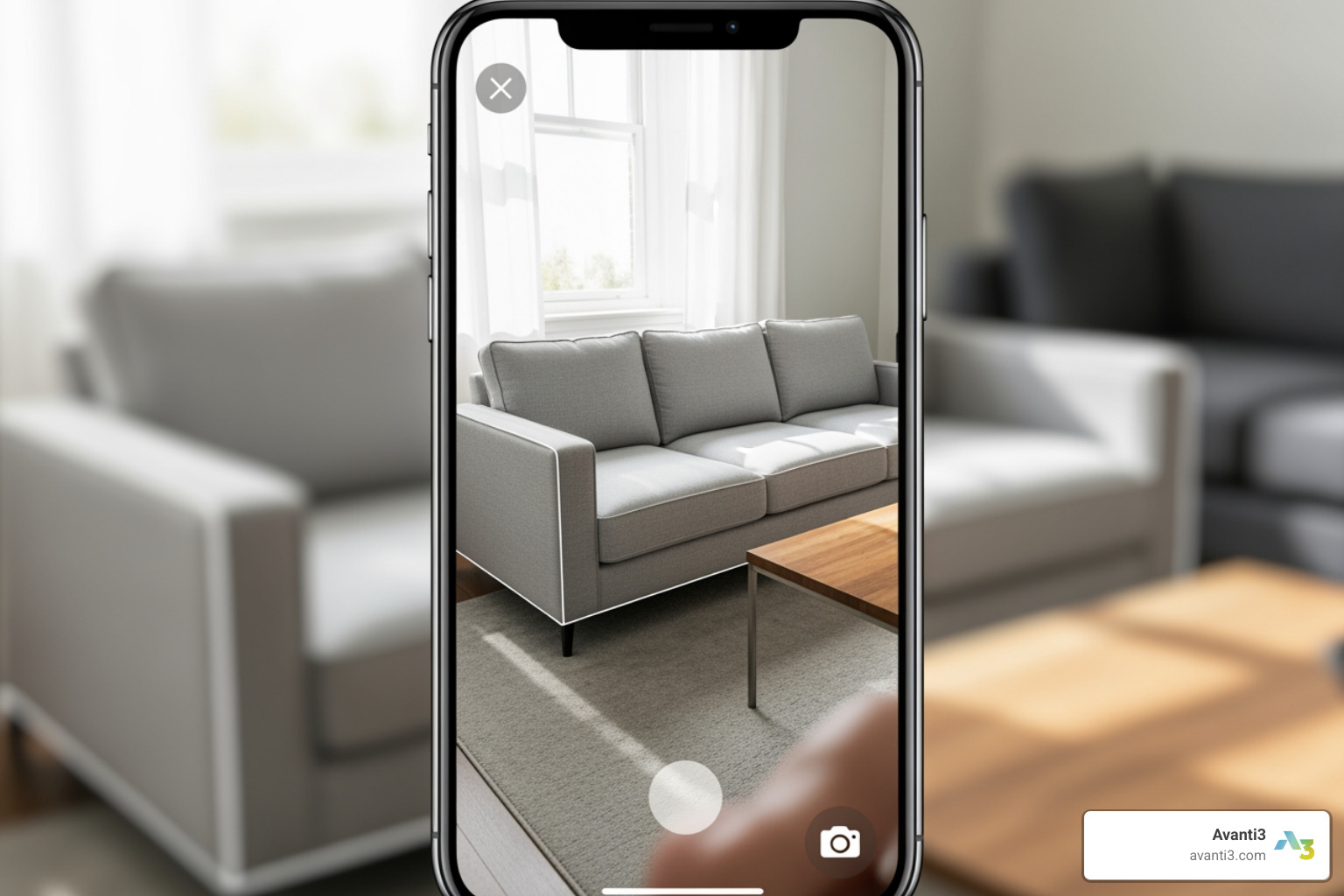
- Personal Space: A room-sized area for movement (e.g., visualizing furniture).
- Social Space: A shared area for multiple users (e.g., a classroom).
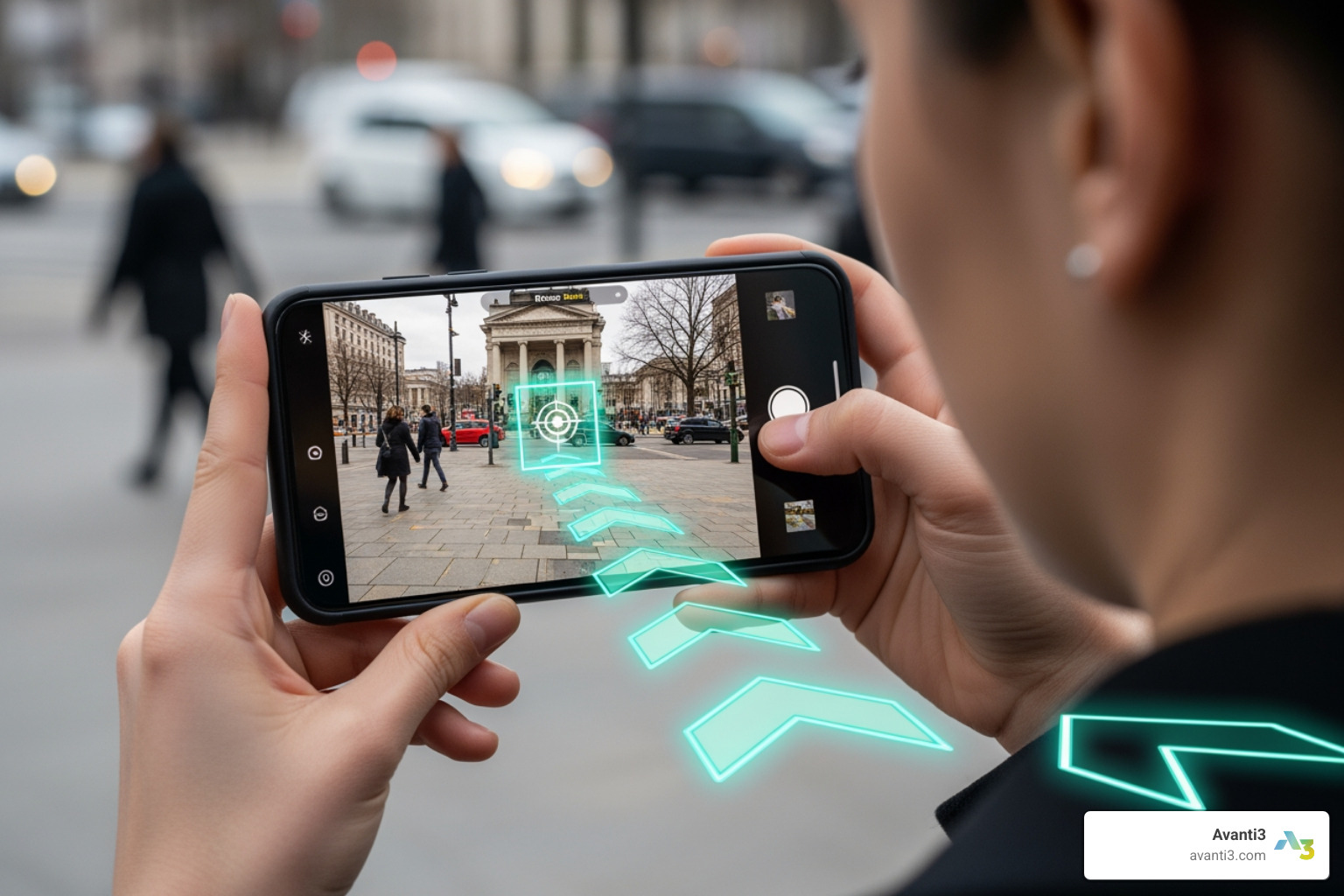
- Public Space: Large, open areas for navigation or information overlays.
Each space presents unique design opportunities and challenges. Safety is also paramount; we must consider physical limitations and remind users to be aware of their surroundings to prevent accidents. The goal is to adapt the experience to the environment, integrating virtual content seamlessly and safely.
Onboarding and Guiding the User Journey
First impressions in AR are critical. Onboarding isn’t just about taps and swipes; it’s about introducing users to interacting with digital content in their physical space. Traditional tutorials often fail because they describe interactions out of context. Instead, onboarding should be interactive and intuitive.
Best practices include:
- Contextual Onboarding: Integrate guidance into the main experience, providing tips as users encounter new features.
- Gradual Learning: Avoid overwhelming users. Introduce instructions piece by piece.
- Visual Cues Over Text: Use animation and motion to teach interactions. An animated arrow is more effective than the word “swipe.”
- Audio Cues: Subtle sound effects can draw attention to objects or confirm actions, improving the experience and encouraging exploration.
- Familiar UI Patterns: Leverage familiar patterns like tapping and dragging to reduce the learning curve.
The goal is to guide users gently into the AR world, allowing them to grasp interactions quickly without frustration and making the virtual elements feel real.
Designing Intuitive Spatial Interactions and Movement
AR transcends the flat screen, bringing content into our 3D world. This introduces spatial interaction and movement, often called 6DoF (Six Degrees of Freedom), where users can move and rotate freely. A common challenge is that users, accustomed to 2D apps, may try to swipe or pinch to manipulate an object instead of physically moving around it. As designers, we must encourage physical movement by:
- Building in reasons to move: Design tasks that require users to change their position, like following a virtual character.
- Providing explicit guidance: Instruct users to move closer, walk around, or scan their environment.
- Leveraging gesture controls: Use natural body movements for more intuitive control.
We must also address the “scene over screen” dilemma, keeping users immersed in the AR scene rather than focused on 2D screen elements. For example, use a 3D talk bubble next to a character instead of a pop-up menu. Ergonomics are also vital; design for short sessions to avoid fatigue from holding a device. The aim is for natural, intuitive interactions that minimize awkward physical input.
Bridging Screen Space and Augmented Space with UI
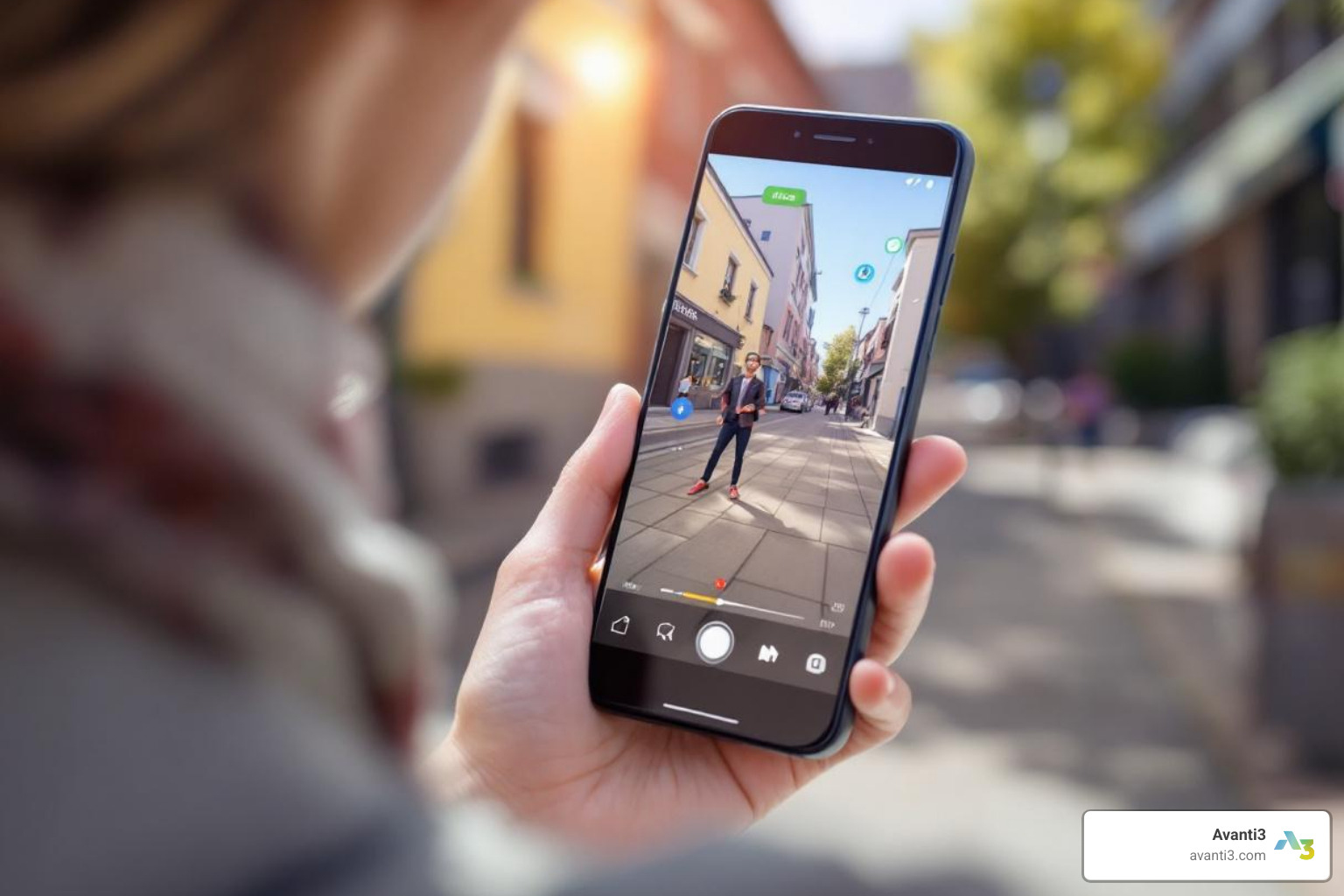
AR UI design is a delicate balance between the 2D screen space and the 3D augmented space. The goal is a seamless blend that avoids breaking immersion.
UI elements fall into two categories:
- Diegetic UI: Elements that exist within the augmented world (e.g., a health bar over a character).
- Non-diegetic UI: Traditional 2D screen elements (e.g., a menu button in the corner).
To create an immersive experience, prioritize a clean UI by minimizing persistent 2D overlays and pop-ups. These can distract from the 3D world. For UI placement, consider readability and interaction. Objects for immediate interaction should be within arm’s reach (around 70 cm) and a 60-degree cone of vision. Also, support both portrait and landscape modes to improve comfort and immersion. The key is to interrupt the AR world as little as possible. As UI elements in AR guidelines suggest, design controls so intuitive that users don’t have to think about them.
How to Get Started: A Practical Guide
Starting an AR experience design project can seem daunting, but breaking it down into manageable steps helps create engaging and practical experiences. From planning to optimization, each stage is crucial for bringing augmented visions to life.
A Step-by-Step Process for Your AR Experience Design Project
Creating engaging AR content follows a structured process with unique spatial considerations.
- Planning and Goals: Define the problem, target users, and goals. Determine if AR is the right medium by asking if the solution requires real-time immersion.
- Storyboarding and Prototyping: Visualize the concept with storyboards to understand spatial aspects, user movement, and interactions before development.
- 3D Asset Creation: Create or source compelling 3D models, textures, and animations. Platforms like Assemblr Studio offer large asset libraries to simplify this step.
- Development Platforms: Choose the right tools, such as ARCore (Android), ARKit (iOS), or Unity’s AR Foundation. These platforms handle complex tasks like motion tracking and environmental understanding.
- Development: Combine content and technology to build the immersive experience, focusing on integrating digital elements into the real world.
- Testing in Real Environments: Test the AR experience in diverse, real-world conditions to gather feedback on performance, usability, and immersion.
- Iteration and Optimization: Refine the experience based on testing. A critical goal is maintaining 60 frames per second (FPS) for a smooth, believable experience.
This process ensures your AR creations are innovative and practical.
Overcoming Common Challenges in AR Experience Design
AR design comes with unique challenges, but they can be overcome with thoughtful solutions.
- Encouraging Spatial Interaction: Users often default to 2D gestures (swiping, pinching). Counter this by designing tasks that require physical movement and providing clear visual cues to guide them.
- Maintaining Immersion: The “scene over screen” dilemma can break immersion. Prioritize the AR scene by integrating UI elements into the 3D space (diegetic UI) and minimizing distracting 2D pop-ups.
- Creating Believable Depth: A 2D phone screen can flatten 3D objects. Add visual cues like shadows and realistic lighting to ground virtual objects. Use familiar real-world items for scale reference and ensure objects are placed logically in the environment.
- Ensuring User Fatigue and Safety: Holding a device can be tiring, and immersion can reduce awareness of physical surroundings. Design for shorter sessions, include safety reminders, and avoid awkward or unsafe movements.
By proactively addressing these challenges, we can create AR experiences that are user-friendly, safe, and innovative.
The Future of AR and Your Role In It
The AR landscape is rapidly evolving with trends that promise more intuitive experiences:
- Gesture and Voice Interfaces: Interactions are moving beyond touchscreens to natural hand movements and voice commands, allowing for hands-free control.
- AI Integration: AI is enabling smarter, more personalized AR experiences that adapt to user behavior.
- Multiplayer Experiences: Shared AR spaces allow multiple users to interact with the same virtual objects, opening doors for collaboration and social gaming.
Integrating AR into UX design leads to improved engagement, contextual information delivery, and powerful data visualization. It allows brands to offer personalized products and create more meaningful interactions that boost conversions.
AR’s versatility spans numerous industries:
- Education: Making complex concepts interactive and fun with 3D/AR visuals.
- Shopping: Allowing customers to visualize products in their own space before buying (like Ikea’s Place app).
- Creativity: Empowering creators to design and bring unique AR creations to life.
- Gaming: Creating immersive mobile games that leverage physical movement.
The future of AR is about creating practical and innovative experiences that improve our lives.