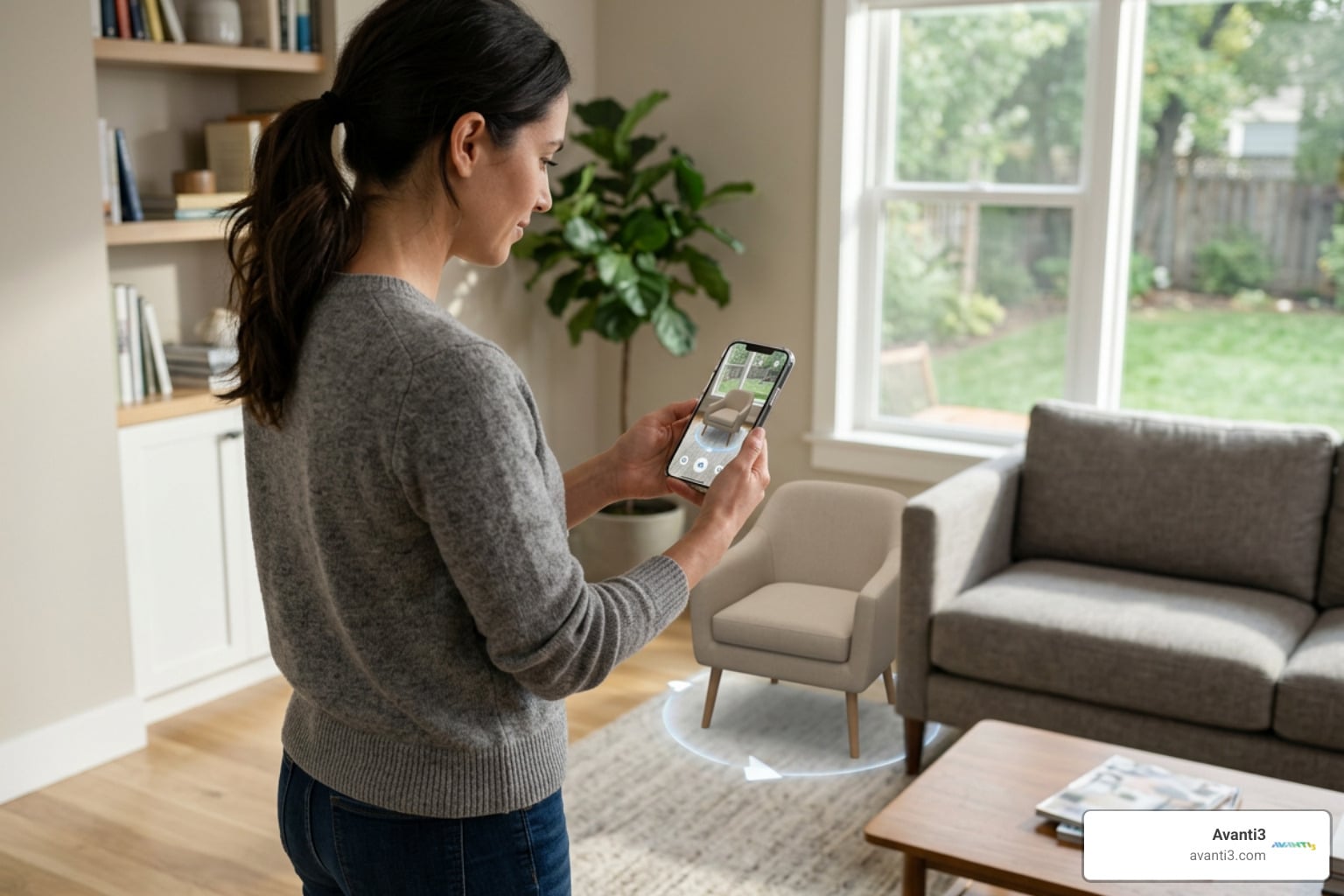


Why Learning to Create Augmented Reality Is Easier Than You Think
When you learn how to create augmented reality, you’re tapping into technology that reaches over 6.5 billion smartphone users worldwide. The good news is that you don’t need coding skills, expensive equipment, or a design degree to get started.
Quick Answer: How to Create AR Without Coding
- Choose a no-code platform – Many tools offer free tiers to get started.
- Prepare your content – Repurpose existing videos, images, or find 3D models.
- Select your AR type – Pick marker-based (using trigger images) or markerless (surface tracking).
- Build your experience – Upload assets, arrange them in an editor, and set up interactions.
- Publish and share – Generate a QR code or link for users to access your AR.
What once required specialized hardware and complex programming now happens directly through web browsers and mobile apps. Modern platforms use ARKit (Apple) and ARCore (Android) to place virtual objects in real spaces, adjusting for lighting and detecting surfaces—all without you writing a single line of code.
I’m Samir ElKamouny, and I’ve helped countless creators open up new revenue streams through innovative digital experiences. My mission is to explain technologies like AR so you can learn how to create augmented reality experiences that transform how your audience engages with your brand. Let’s explore how accessible this technology has become.
Related content about learn how to create augmented reality:
Getting Started: The Fundamentals of AR Creation
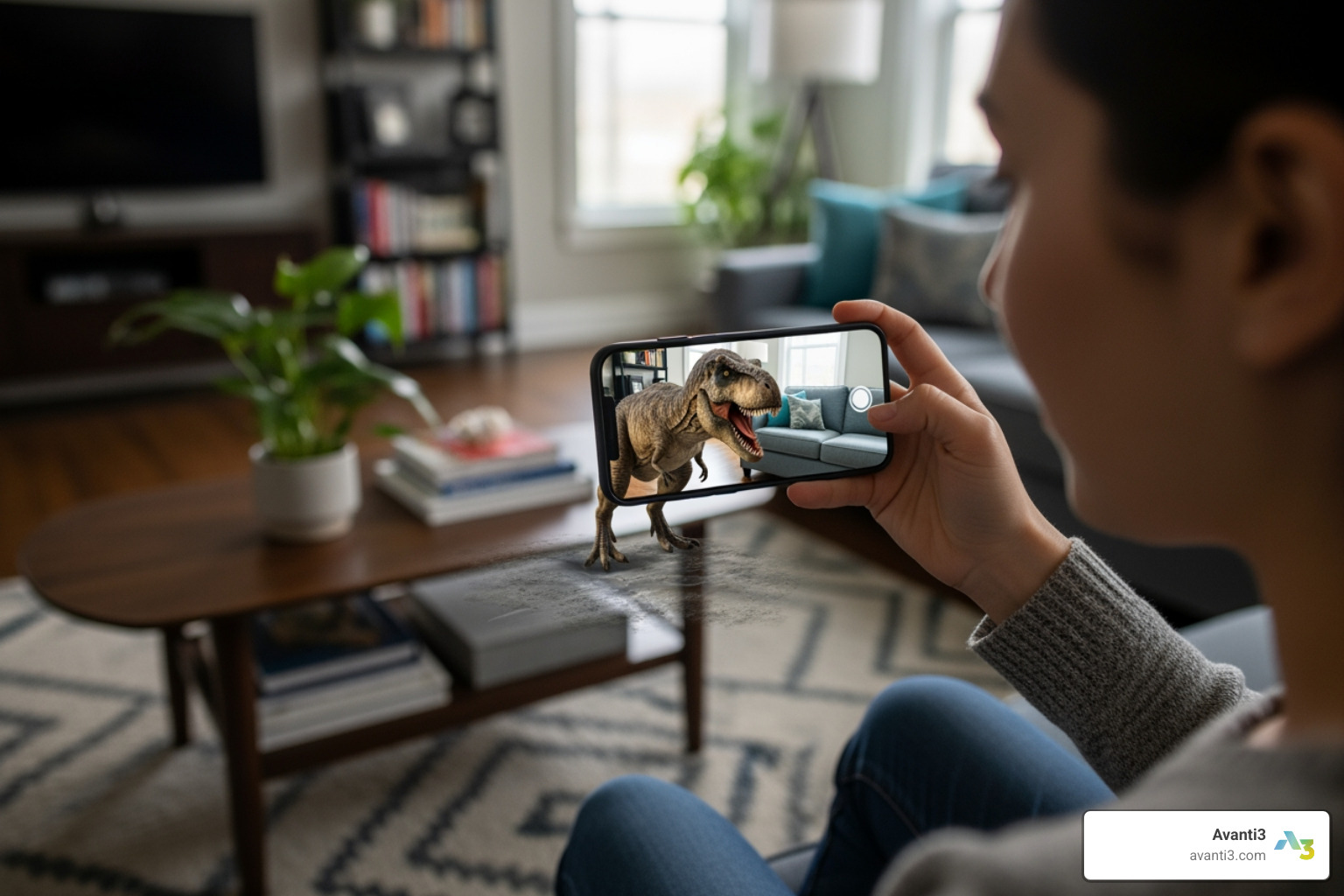
Imagine holding up your smartphone and seeing a majestic dinosaur in your living room or placing a new sofa in your home before buying it. This is augmented reality, and it’s already accessible to billions of smartphone users. Our journey to learn how to create augmented reality begins with understanding its core concepts.
What is Augmented Reality and How is it Different from VR?
At its core, Augmented Reality (AR) improves our real world with digital information. Unlike Virtual Reality (VR), which creates a completely simulated environment, AR overlays virtual content onto our existing surroundings. Think of it as adding a digital layer to reality.
The main differences are:
- Environment: AR blends virtual elements with the real world through a device like a smartphone. VR replaces the real world with a completely digital one inside a headset.
- Interaction: With AR, you interact with your physical environment, which is improved with digital information. In VR, your interactions happen entirely within the virtual world.
- Hardware: AR is highly accessible, often requiring just a smartphone. VR typically requires a dedicated headset.
To further clarify, here’s a table comparing these two technologies:
| Feature | Augmented Reality (AR) | Virtual Reality (VR) |
|---|---|---|
| Definition | Overlays digital content onto the real world. | Creates a completely immersive virtual environment. |
| Hardware | Smartphones, tablets, AR glasses. | VR headsets (e.g., Oculus, HTC Vive, PSVR). |
| Immersion | Blends digital with physical; less immersive. | Replaces physical world; fully immersive. |
The Core Technology: How AR Actually Works
The magic of blending digital with physical relies on a sophisticated interplay of sensors, cameras, and processing. The goal is for virtual objects to appear as if they genuinely belong in our real environment.
Here’s a breakdown of how it works:
- Environmental Understanding: AR systems use cameras and sensors to “see” and interpret the physical world, detecting surfaces like floors and walls.
- Motion Tracking (SLAM): Simultaneous Localization and Mapping (SLAM) technology allows the device to track its position in real-time. This ensures virtual objects remain “anchored” in place as you move your phone around.
- Light Estimation: To look realistic, virtual objects need to be lit correctly. AR platforms like ARKit and ARCore analyze the real environment’s lighting and apply it to digital content, adjusting brightness and shadows.
- Rendering: Once the environment is understood, the virtual content (3D models, videos, etc.) is rendered onto the camera feed, scaled and positioned to create the illusion that it’s physically present.
- Smartphone Power: Modern smartphones provide the high-resolution cameras and sensors that ARKit (iOS) and ARCore (Android) use to enable these robust AR experiences. For web-based AR, technologies like WebXR bring AR directly into your browser.
Choosing Your Approach: Marker-Based vs. Markerless AR
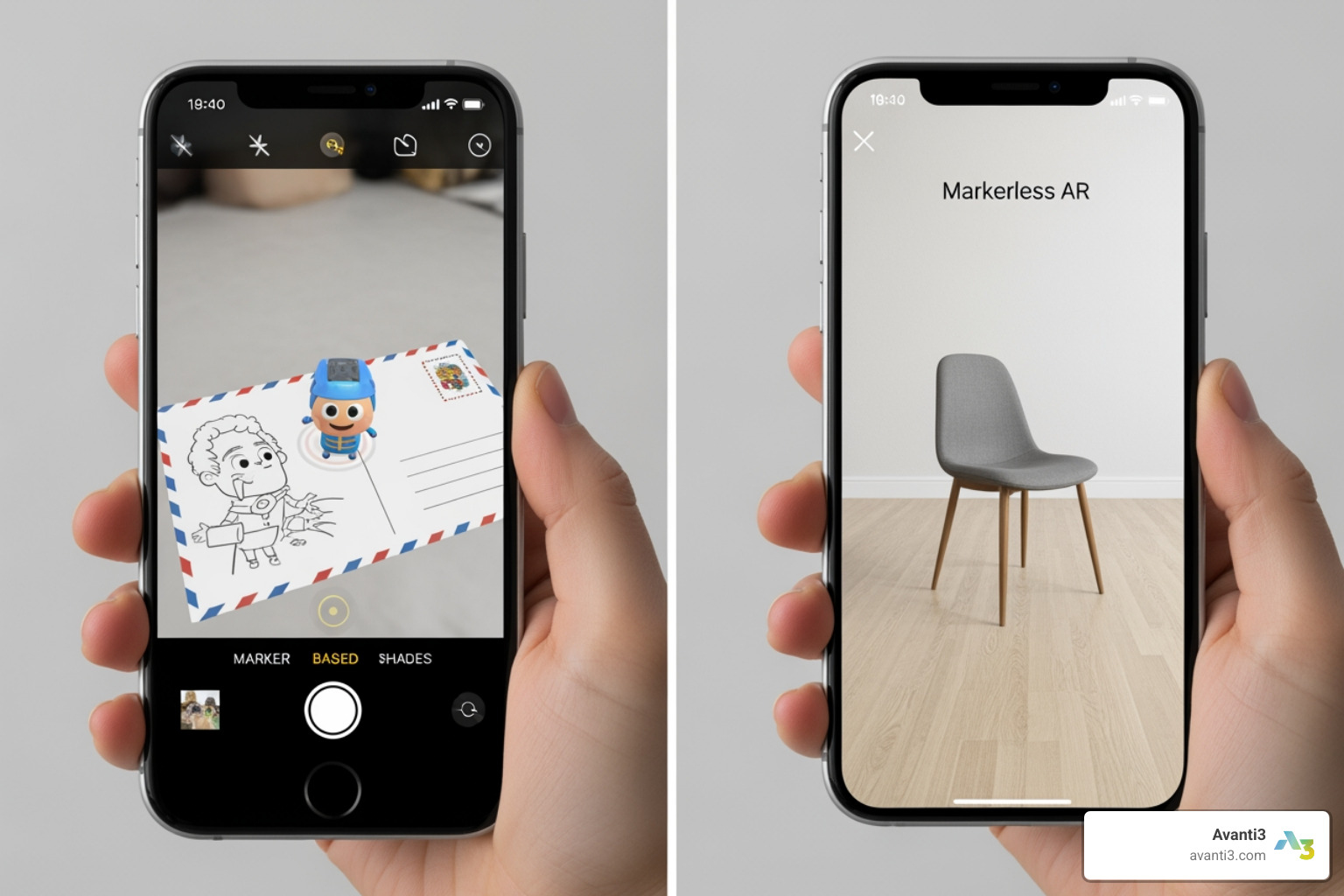
When you learn how to create augmented reality, you’ll choose between two main types: marker-based and markerless.
Marker-Based AR
This type of AR uses a specific image—a QR code, logo, or postcard—as a trigger. When the app’s camera recognizes this pre-defined “marker,” it overlays the digital content.
- How it Works: The marker acts as an anchor, telling the software exactly where to place the virtual object.
- Pros: Simple to implement, reliable, and precise in placing content.
- Cons: Requires the user to have the physical marker to trigger the experience.
- Examples: Interactive print ads, business cards that come to life, or product packaging that reveals extra content.
Markerless AR
This more advanced form of AR uses sophisticated computer vision to understand the environment itself, without needing a specific trigger image.
- How it Works: Markerless AR employs surface detection to identify floors or tables, allowing virtual objects to be placed directly onto them. It uses SLAM to track the device’s position, keeping the object stable.
- Pros: Highly immersive and dynamic, as content can be placed anywhere. No physical marker is needed.
- Cons: Requires newer smartphones with powerful sensors and can be less precise in poorly lit or featureless environments.
- Examples: Placing a virtual sofa in your living room, playing with an animated character on your floor, or trying on virtual glasses.
While marker-based AR is great for targeted campaigns, markerless AR offers a broader canvas for creativity. Many no-code platforms support both, allowing you to choose the best fit for your project.
Your Guide to Learn How to Create Augmented Reality Without Code
Gone are the days when learning how to create augmented reality was only for developers. Today, a wave of no-code platforms empowers marketers, educators, and businesses to build interactive experiences with ease. This section is your roadmap to using these tools and designing engaging AR.
If you’re looking to integrate AR into your business strategy, these accessible tools are a fantastic starting point. You can find More info about AR Marketing Solutions that leverage these capabilities.
Finding the Right No-Code AR Platform
The landscape of AR creation tools has blossomed. When choosing a platform to learn how to create augmented reality without code, consider these factors:
1. Platform Type:
- Web-based Platforms: These run in your browser, making them ideal for quick deployment and accessibility. You create your experience and share it with a simple link or QR code, with no app download required for the end-user.
- Downloadable Software: These applications often offer more robust features, larger asset libraries, and advanced editing capabilities, but require installation on your computer.
2. Key Features to Look For:
- Asset Support: Can you upload your own 3D models, videos, and images? Does the platform offer a library of pre-made assets?
- Interactivity: Can you add clickable buttons, link to websites, or trigger animations to engage users?
- Ease of Use: A simple, intuitive interface is crucial for beginners. Look for drag-and-drop functionality and clear instructions.
3. Common Pricing Models:
- Freemium: Many platforms offer a free tier with basic features or a limited number of projects. This is perfect for learning and experimentation.
- Subscription: For advanced features, higher usage limits, or custom branding, platforms typically offer monthly or annual subscription plans.
Our goal is to find a tool that balances ease of use with the features needed to bring our vision to life, all within our budget.
A Simple Workflow to Learn How to Create Augmented Reality
Let’s walk through a simple, step-by-step workflow to learn how to create augmented reality without code. The beauty of no-code tools is their intuitive, drag-and-drop interfaces.
1. Define Your Concept and Goal
First, ask: What do we want to achieve? An educational tool, a marketing campaign, or a fun social filter? A clear purpose will guide your decisions.
2. Choose Your No-Code Platform and AR Type
Based on your concept, select a platform. For an experience tied to a physical object like a business card, choose a marker-based tool. If you want users to place an object anywhere in their room, a platform supporting markerless AR is better. Start with a free tier to experiment.
3. Prepare or Source Your Digital Assets
You don’t always need to create assets from scratch.
- Repurpose Content: Use existing MP4 videos or save presentation slides as JPGs to create an AR gallery.
- Find 3D Models: Explore marketplaces like CGTrader and Sketchfab for free or affordable 3D models. For custom work, consider freelance marketplaces like Fiverr or Freelancer.
- Create Your Own: For beginners, free tools like Tinkercad are great for creating simple 3D content. Blender is a powerful, free open-source option with a steeper learning curve. You can also create animated videos with online editors like Powtoon’s online video editor or capture 3D holograms with your phone using platforms like Volograms.
4. Assemble Your Scene and Add Interactions
This is the creative part.
- Upload: Bring your prepared assets into the platform’s editor.
- Place and Customize: For marker-based AR, upload your trigger image and drag your content onto it. For markerless, define an initial placement. Scale, rotate, and adjust your content’s appearance.
- Add Interactivity: Add links, animations, or other interactive elements to improve engagement.
5. Publish and Share Your Experience
Once you’re happy, publish it! Most platforms will generate a unique QR code or a web link. Users scan the code or click the link to bring your AR experience to life on their smartphone.
Best Practices for Designing Engaging AR Experiences
Creating a great AR experience is about crafting a seamless blend of the real and virtual. To make your applications shine, focus on thoughtful design.
- Design for the Real World: AR takes place in dynamic physical environments. Consider lighting, backgrounds, and user movement. Google’s Augmented reality design guidelines offer excellent advice.
- Intuitive Interactions: Users should instinctively know how to interact. Use common gestures like tapping to place objects, pinching to scale, and rotating with two fingers.
- Clear Onboarding: Provide brief, clear visual cues to explain how to scan a surface or interact with virtual objects.
- Spatial UI: Place user interface elements within the 3D space so they feel natural and don’t obstruct the view.
- Performance Optimization: Optimize 3D models and textures to ensure smooth performance. Laggy AR breaks the immersion.
- Contextual Awareness: Ensure the AR content makes sense in its environment. A virtual dinosaur in a classroom is engaging; one in a busy street might be confusing.
- Test Thoroughly: There’s no substitute for real-world testing. Test on various devices and in different lighting conditions to find and fix bugs.
By following these principles, we can create truly memorable AR/VR Immersive Experiences that resonate with our audience.
The Future is Immersive: What’s Next in AR?
As we learn how to create augmented reality, it’s exciting to look at the trends shaping this dynamic field. The pace of innovation is accelerating, moving us toward a more immersive future.
1. AI-Powered AR: Artificial intelligence is set to revolutionize AR. AI can assist with content generation, automatically optimize 3D models, and enable more intelligent environmental understanding. Imagine AR experiences that adapt dynamically to a user’s context or mood.
2. Web3 and Blockchain Integration: This is where the future of digital ownership and engagement converges with AR. At Avanti3, we believe in empowering creators with customizable engagement tools, and Web3 technologies are central to this vision.
- Digital Ownership: With blockchain, the digital assets in AR can be truly owned as Augmented Reality NFTs, where a virtual item is a unique, verifiable asset.
- Community Building & Monetization: Blockchain-powered AR facilitates new forms of digital engagement and reward systems. Think of exclusive AR content open uped by owning a specific NFT or immersive Augmented Reality Concerts with verifiable digital merchandise.
- Avanti3’s Role: We are at the forefront of integrating these technologies to build ecosystems where your digital creations have real value and utility, setting a new standard in digital engagement and fan monetization.
3. Advanced Hardware: While smartphones remain the primary gateway, dedicated AR glasses are becoming more sophisticated, promising hands-free, always-on AR experiences. This will lead to more natural interactions, moving beyond screen taps to gaze and gesture control.
The future of AR is not just about viewing content, but owning and interacting with it in new, immersive ways. As we push the boundaries of what’s possible, the blend of our physical and digital lives will become increasingly seamless. Ready to build your own immersive world? Explore how Avanti3 can bring your vision to life.