

Why Learning How to Develop an Augmented Reality Application Matters Now
How to develop an augmented reality application is no longer a question for tech giants—it’s a key skill for brands looking to transform audience engagement. The AR market is projected to reach $225.5 billion by 2030, with businesses already seeing a 40% increase in conversion rates by adopting it. With 61% of consumers preferring retailers with AR features, the time to build is now.
The technology is reshaping industries from retail, where 55% of users find AR shopping entertaining, to education, where 70% believe it improves learning.
I’m Samir ElKamouny, and I’ve guided brands through digital change, helping them build AR applications that create meaningful engagement. This guide will walk you through how to bring your AR vision to life, from concept to launch.
Introduction: Your First Step into a New Reality
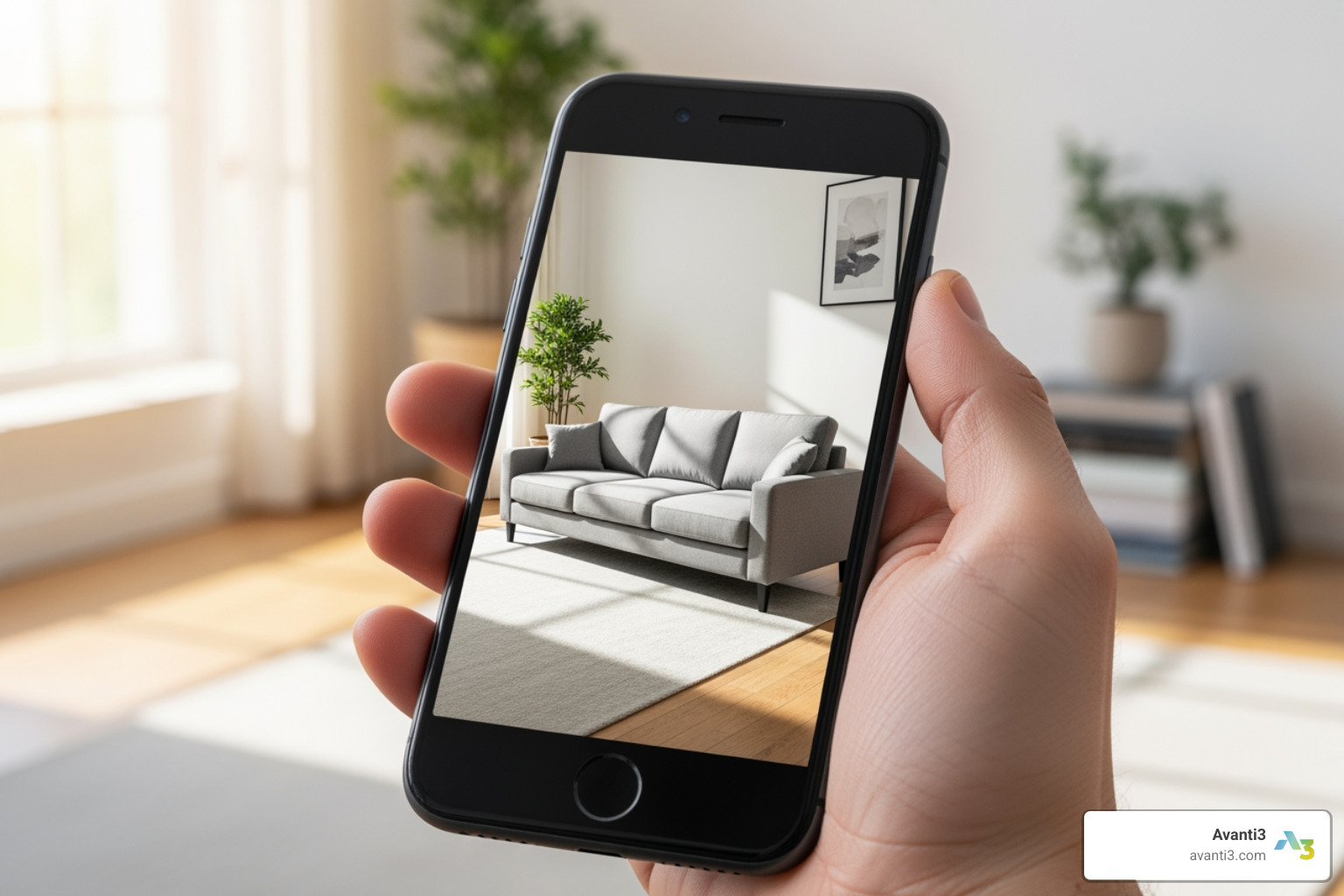
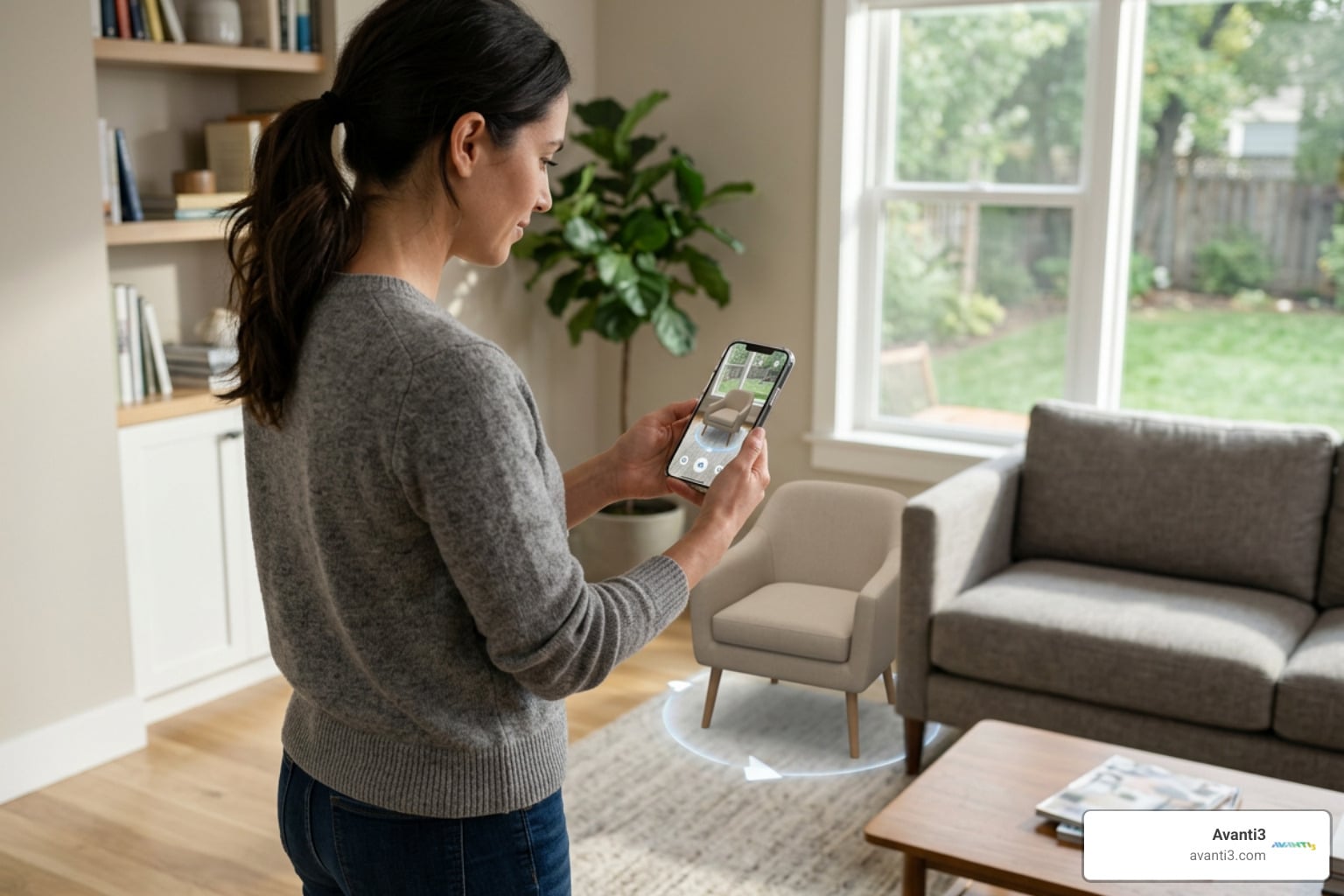
If you’ve ever placed a virtual couch in your living room with your phone or tried on sneakers virtually, you’ve experienced Augmented Reality (AR). Today, AR isn’t a novelty—it’s a powerful business lever that delivers measurable lifts in engagement and conversion. As builders, we can harness this momentum to create useful and delightful AR products that people return to again and again.
The Blueprint: How to Develop an Augmented Reality Application
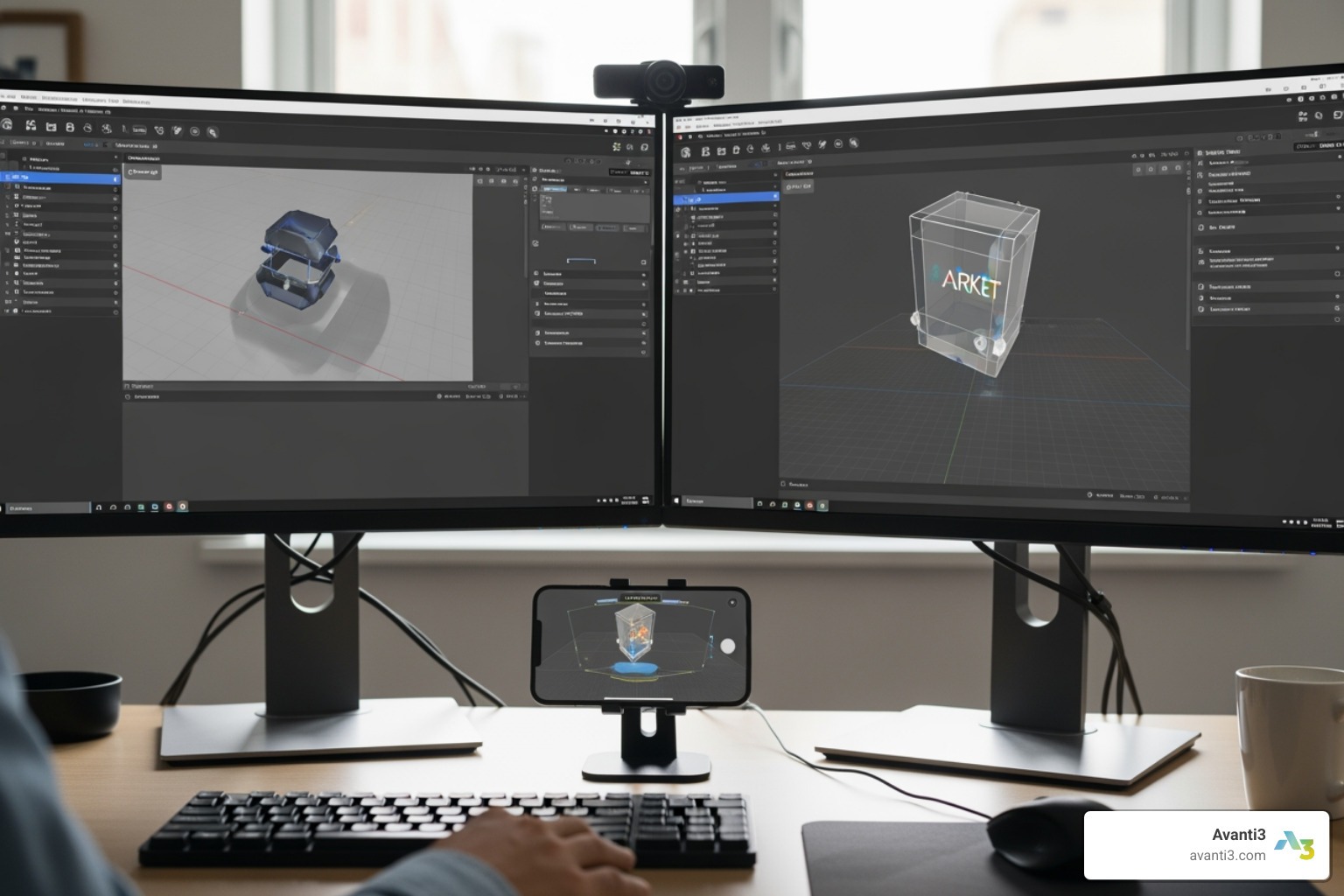
At a high level, AR development blends computer vision, 3D content, and responsive UX. The process involves picking the right platform and SDK (like ARKit, ARCore, or Unity), designing interactions for a user’s physical context, and creating optimized 3D assets. We then implement core AR features like plane detection and light estimation, test rigorously across devices and environments, and finally, ship and iterate based on user feedback. Let’s unpack the fundamentals and build step by step.
1. Understanding the Fundamentals of AR Technology
To build better AR, we need to know how the machine “sees” the world:
- SLAM (Simultaneous Localization and Mapping): The core of markerless AR, where a device maps its environment and locates itself within it.
- Marker-based vs. Markerless AR: Marker-based AR uses a specific image (like a QR code) for anchoring, great for packaging or posters. Markerless AR uses SLAM to place content anywhere in a room.
- Environmental Understanding: Detects surfaces like floors and tables, as well as faces and bodies.
- Depth Sensing: Estimates distance to surfaces using camera motion or dedicated sensors like LiDAR scanners.
- Motion Tracking: Keeps virtual objects stable as the camera moves, using device sensors.
- Lighting Estimation: Matches virtual lighting to the real world for added realism.
- Spatial Audio: Creates immersive sound that appears to come from specific locations. Learn more about spatial audio.
Major SDKs like ARCore and ARKit standardize these features, though Apple’s ARKit offers unique hardware advantages like LiDAR support and robust face tracking.
2. Choosing Your Toolkit: The Best AR Frameworks and SDKs
The right SDK depends on your target devices, features, and team skills. This table compares the most popular options.
| Toolkit | Pros | Cons | Platform | Best Use Case |
|---|---|---|---|---|
| Apple ARKit | Deeply integrated with iOS/iPadOS; LiDAR support; high performance; RealityKit/Reality Composer tools | Apple-only; requires Xcode/macOS | iOS/iPadOS | High-fidelity native Apple experiences, face/body tracking, LiDAR-improved apps |
| Google ARCore | Cross-platform APIs; Geospatial API; Depth, Scene Semantics; strong Android coverage | Device capability fragmentation on Android; advanced features vary by device | Android, iOS, Unity, Web | World-scale and location-based AR; Android-first apps |
| Unity AR Foundation | One codebase for iOS/Android; robust tooling; XR Interaction Toolkit; large dev ecosystem | Extra engine overhead; native-only features may lag | iOS + Android (via ARKit/ARCore plug-ins) | Cross-platform apps, complex 3D interactions, rapid prototyping |
| WebXR | No app install; instant access via browser; easy distribution and updates | Limited performance and features vs native; browser/device compatibility varies | Web (mobile + desktop) | Campaigns, try-before-you-buy, lightweight AR experiences |
3. The 9-Step Guide on How to Develop an Augmented Reality Application
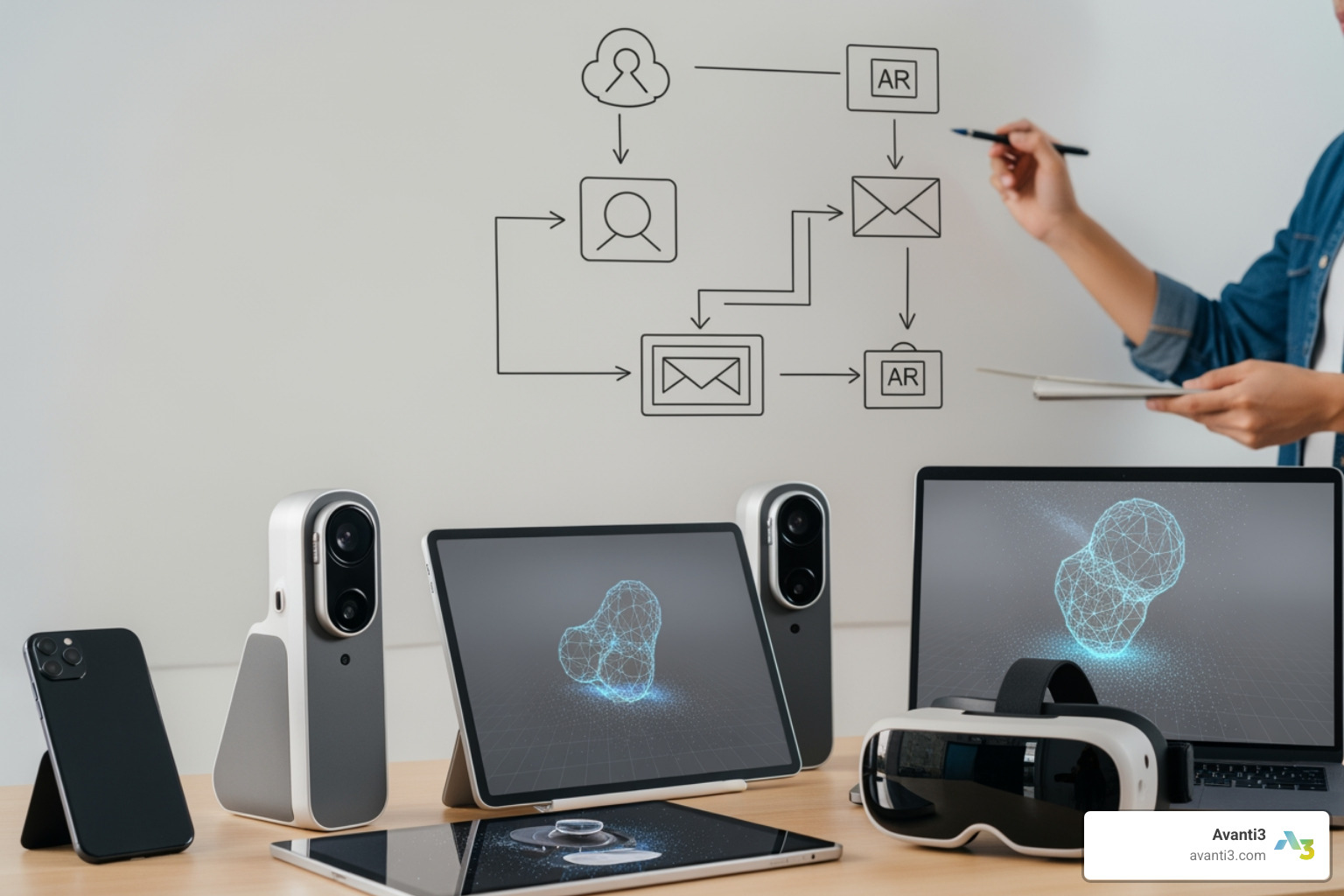
Follow this proven path from idea to live app:
- Define goals and requirements: Clarify your app’s purpose, audience, and success metrics. Decide on platforms (iOS, Android, Web) and AR type (marker-based, markerless, or geospatial). Draft a feature list for a minimum viable product (MVP) to validate your concept quickly.
- Create your tech strategy: Choose your development path: native, cross-platform (Google ARCore, Unity AR Foundation), or WebAR. For a single codebase, use Unity with AR Foundation: AR development in Unity.
- Design UI/UX for AR: Wireframe user flows and design spatial UI elements. Define standard gestures (tap, drag, rotate) and plan for user guidance, such as onboarding tips and error messages.
- Build or acquire 3D content: Create or source 3D models and animations, keeping polygon counts low for mobile performance. Use PBR textures and standardize model pivots to prevent placement issues.
- Implement core AR functionality: Code features like plane detection, anchors, and light estimation. For shared or location-based experiences, use tools like ARCore’s Geospatial API and Persistent Cloud Anchors: ARCore.
- Add interactivity and app logic: Implement gesture controls for object manipulation and raycasting for selection. Manage app states like “Scanning,” “Placement,” and “Interaction.” Consider adding audio feedback or spatial audio.
- Test and debug across conditions: Testing on real devices is essential. Check performance in varied lighting, on different surfaces, and with different motion speeds. Test on both high-end and budget devices.
- Deploy: Prepare your app for submission to the Google Play Console for Android or through Apple’s App Store submission process for iOS. For WebAR, deploy to a web server with an SSL certificate.
- Maintain and improve: Track analytics to understand user behavior. Release updates to support new OS features, improve performance, and add new content.
4. Designing the Experience: Key UI/UX Considerations for AR
Great AR feels effortless, helpful, and context-aware:
- Design for user context: Keep flows short, as AR is often used on the go. Allow for both quick placement and precise controls.
- Guide scanning and placement: Use clear onboarding to show users how to scan their environment. Provide real-time hints like “Move closer” or “More light needed.”
- Intuitive controls: Standardize gestures like tap-to-place and pinch-to-scale. Use visual cues like shadows and outlines to ground objects in the scene.
- Accessibility: Include features like voice-over hints, larger touch targets, and a non-AR fallback mode.
- Minimize fatigue: Design interactions that don’t require users to hold their arms up for long periods.
- Blend utility with delight: Use realistic lighting, spatial audio, and subtle haptics to create an immersive and polished experience.
Want help crafting world-class spatial UX? Explore our approach to AR/VR Immersive Experiences.
5. Overcoming Problems: Common Challenges and Best Practices
AR pushes devices to their limits. Here’s how to stay ahead of common problems:
- Hardware and Battery: Optimize 3D models, textures, and shaders for mobile. Deactivate sensors when not in use to conserve battery.
- Tracking and Lighting: Guide users toward well-lit, textured surfaces and away from reflective ones. Implement clear feedback for when tracking is lost.
- Performance Optimization: Profile your app on target devices to maintain a smooth frame rate. Use techniques like object pooling and Level of Detail (LODs) for 3D assets.
- Data Privacy: Be transparent about camera and sensor usage. Only collect spatial data that is essential for the app’s function and store it securely.
- Best Practices for Testing:
- Test on a range of low- to high-end devices, including those with and without LiDAR.
- Validate in diverse environments (bright/dim light, different surfaces, cluttered spaces).
- Test with various user movements, from slow scans to quick pans.
- Run prolonged sessions to check for overheating and battery drain.
- Use on-device profiling tools to identify and fix performance bottlenecks.
The Future is Now: AR Applications, Trends, and Your Next Move
AR isn’t just about placing a chair in a room anymore. With cross-platform capabilities and geospatial APIs, we’re anchoring content to the real world—at building and city scale. Meanwhile, consumers are ready: 64% see the potential for hassle-free shopping with AR, 55% find AR shopping entertaining, and nearly a third enjoy AR gaming. Developers can now integrate computer vision, AI, and 3D content in ways that truly transform shopping, learning, travel, and entertainment.
At Avanti3, we integrate AR with Web3 and AI to power next-gen engagement—think token-gated experiences, AR quests that open up rewards, and digital collectibles that blend the virtual and real. We marry creativity with practical ROI so every activation earns attention—and trust.
6. AR in Action: Industry Use Cases and Emerging Trends
What’s shipping today—and what’s next:
- Retail and E-commerce: Virtual try-ons and room-scale product visualization are boosting consumer confidence. 61% of consumers now prefer retailers offering AR. Learn more about Augmented Reality Marketing and our AR Marketing Solutions.
- Healthcare and Training: AR enables risk-free surgical training, anatomy overlays, and procedural guidance, improving learning speed and outcomes.
- Education and Museums: Interactive 3D models and location-based stories are making learning more engaging. 70% of users feel AR helps them learn new skills.
- Tourism and Navigation: City-scale overlays and wayfinding are being built with tools like ARCore’s Geospatial API.
- Entertainment and Events: World-scale games and immersive concerts are blending the digital and physical worlds. See our work on Augmented Reality Concerts and Virtual Reality Experiences.
Emerging Trends:
- AI-Improved Scene Understanding: Better object and plane detection.
- Geospatial and Persistent AR: Content anchored to real-world coordinates (ARCore‘s Geospatial API) or saved indoor locations.
- AR Glasses: Growing capabilities for hands-free interaction.
- Web3 and AR Collectibles: Token-gated experiences and digital assets. See our work in Augmented Reality NFTs and Web3 Platform Solutions.
Cost and Time Factors:
A simple AR proof-of-concept can start around $10k and take a few weeks. A robust, multi-platform application with custom 3D content often exceeds $300k and can take several months to develop.
Want to build something memorable? We can help deliver unforgettable AR/VR Immersive Experiences.
Frequently Asked Questions
What are the fundamental concepts behind AR development?
AR combines computer vision (like SLAM), sensor data, and 3D rendering. SDKs like ARCore and ARKit simplify these complex technologies for developers.
Which frameworks and SDKs should I choose?
Choose Apple ARKit for native iOS apps, Google ARCore for Android-first or world-scale projects, Unity AR Foundation for cross-platform development, and WebXR for browser-based experiences.
What’s the step-by-step process to build an AR app?
The 9-step process includes defining requirements, choosing a tech strategy, designing UI/UX, creating 3D content, implementing core AR features, adding interactivity, testing, deploying to stores like Google Play Console or the App Store, and maintaining the app.
How do we design great AR UX/UI?
Focus on intuitive controls, clear user guidance for scanning, and accessibility. Make content feel real with realistic lighting and shadows. We specialize in creating great AR/VR Immersive Experiences.
How do we create and integrate 3D content?
Create low-polygon models with PBR textures optimized for mobile. Standardize pivots and scales to ensure correct placement in the real world.
How should we test AR?
Test on a wide range of real devices in various lighting conditions and environments. Monitor performance, tracking stability, and battery consumption.
What are the challenges and limitations?
Key challenges include device fragmentation, battery drain, and varying environmental conditions. It’s crucial to plan for these and provide clear user guidance.
How can businesses leverage AR?
Businesses use AR for virtual try-ons, interactive marketing, employee training, and immersive events. See our Augmented Reality Marketing and AR Marketing Solutions.
What’s next for AR?
Expect more AI-driven scene understanding, city-scale AR, and advanced AR glasses. The market is projected to hit $225.5B by 2030, according to Verified Market Research.
What does it cost—and how long will it take?
Costs range from around $10k for a simple MVP to over $300k for a complex, multi-platform app. Timelines vary from a few weeks to several months.
Resources You’ll Actually Use
- Apple developer hub (tools, docs, samples): Dive into the world of augmented reality.
- ARCore home and APIs: ARCore
- Unity setup and AR Foundation docs: AR development in Unity
- Web browsers and standards: WebXR API on MDN
- Store submissions: Google Play Console, App Store submission
- Google AR & VR inspiration and news: The Keyword (Google AR/VR) and Google AR & VR
Build With Avanti3
We’re builders and partners. At Avanti3, we integrate AR with Web3, blockchain, and AI to power community, loyalty, and monetization—without sacrificing user trust. From token-gated AR experiences and on-chain rewards to city-scale activations and immersive campaigns, we design for outcomes you can measure.
- See what’s possible with AR/VR Immersive Experiences.
- Explore Augmented Reality Marketing and AR Marketing Solutions.
- Bridge digital and physical with Augmented Reality NFTs.
- Go deeper into our Technology perspective.
If you’re ready to move from idea to impact, we’re ready to help you ship.