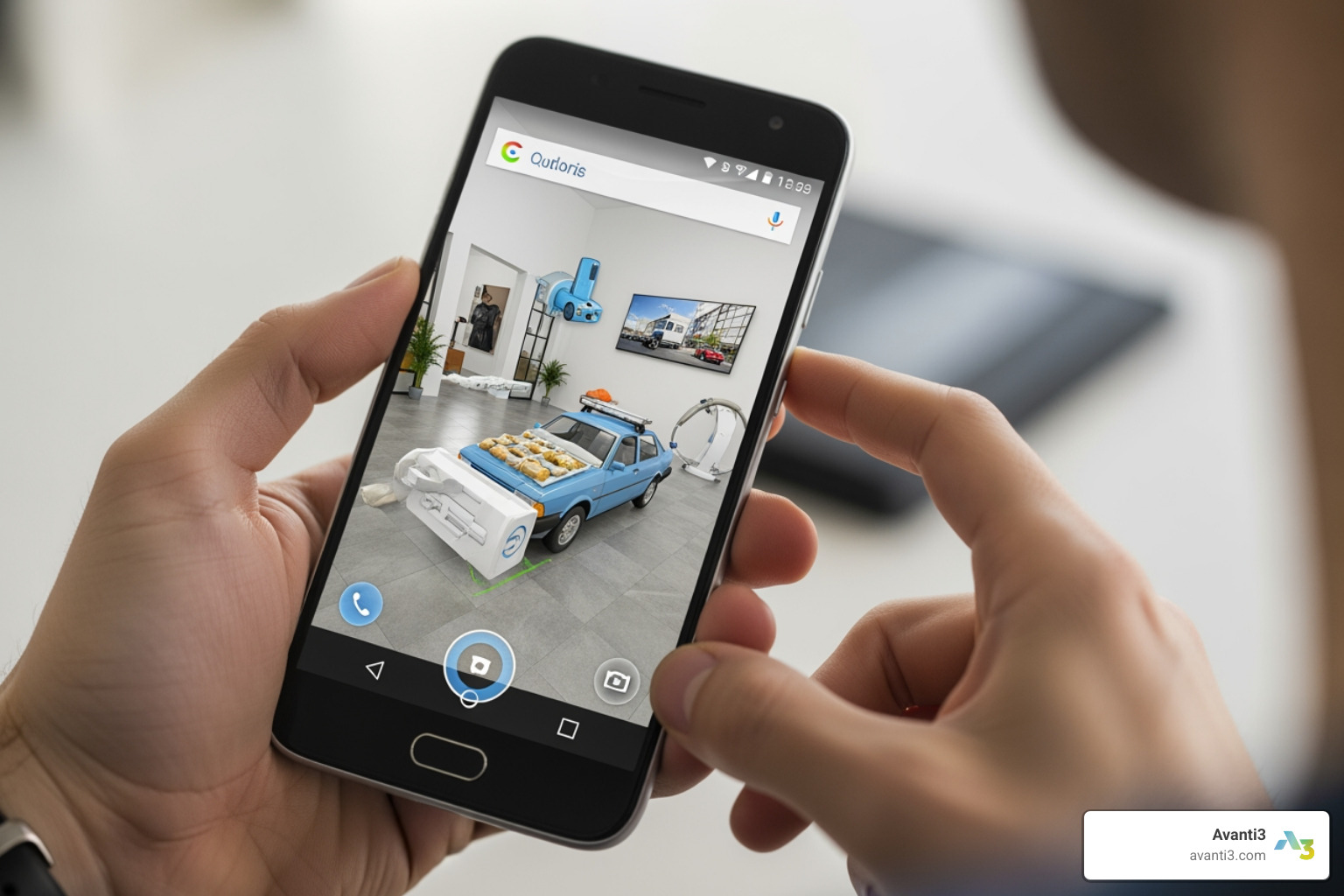


Why Android Augmented Reality Development Matters Now
Android augmented reality development is changing how we interact with the world around us—overlaying digital content onto physical spaces through smartphones and emerging wearable devices. Whether you’re building your first AR app or exploring advanced features, here’s what you need to know:
Key Steps to Develop Android AR Apps:
- Set up your environment – Install Android Studio 3.1+ with Android SDK Platform 7.0 (API level 24) or higher
- Integrate ARCore – Add Google’s ARCore SDK to enable motion tracking, environmental understanding, and light estimation
- Configure your app – Declare camera permissions and ARCore requirements in AndroidManifest.xml
- Build AR features – Implement plane detection, anchors, and rendering using OpenGL or frameworks like Unity
- Test thoroughly – Use Android Emulator with AR support or physical devices running Android 7.0+
- Explore advanced APIs – Add Geospatial API for location-based experiences, Depth API for occlusions, or Cloud Anchors for shared AR
Popular Development Tools:
- ARCore (Google’s native SDK for Android)
- Unity with AR Foundation (cross-platform development)
- Vuforia (advanced computer vision)
- Android XR (for AI glasses and wearable displays)
As Google’s ARCore platform has matured—now supporting everything from traditional smartphones to AI glasses through Android XR—the opportunities for creators have exploded. AR isn’t just placing virtual kittens on coffee tables anymore. It’s enabling global-scale experiences through the Geospatial API, creating persistent digital monuments at real-world locations, and building context-aware applications that understand people, places, and things.
The shift is clear: AR is moving from novelty to necessity, especially for brands and creators seeking innovative ways to engage audiences beyond traditional platforms’ limitations.
I’m Samir ElKamouny, and I’ve spent years helping entrepreneurs and brands harness emerging technologies to transform their businesses and create lasting impact. Through my work with android augmented reality development and immersive experiences at Avanti3, I’ve seen how AR open ups new revenue streams and deeper audience connections when executed with strategic precision. Let’s walk through exactly how you can build compelling AR experiences on Android—from foundational concepts to cutting-edge features that set your app apart.
Common android augmented reality development vocab:
Core Pillars of Android Augmented Reality Development
When we talk about android augmented reality development, we are primarily talking about ARCore. ARCore is Google’s platform for building augmented reality experiences. It allows your phone to sense its environment, understand the world, and interact with digital information in a way that feels physically present.
To make the magic happen, ARCore relies on three key capabilities that serve as the foundation for any immersive experience:
- Motion Tracking: This allows the phone to understand and track its position relative to the world. By identifying distinct features in the camera image (called feature points) and using the device’s internal sensors, ARCore determines both the position and orientation of the phone as it moves. This is why a virtual object stays in the same spot even if you walk around it.
- Environmental Understanding: Have you ever wondered how an app knows where your floor is? ARCore detects flat surfaces like tables or floors by looking for clusters of feature points that appear to lie on a common horizontal or vertical plane.
- Light Estimation: To make a 3D model look like it actually belongs in your room, it needs to be lit correctly. ARCore observes the ambient light in the environment and provides data that allows you to light your virtual objects to match.
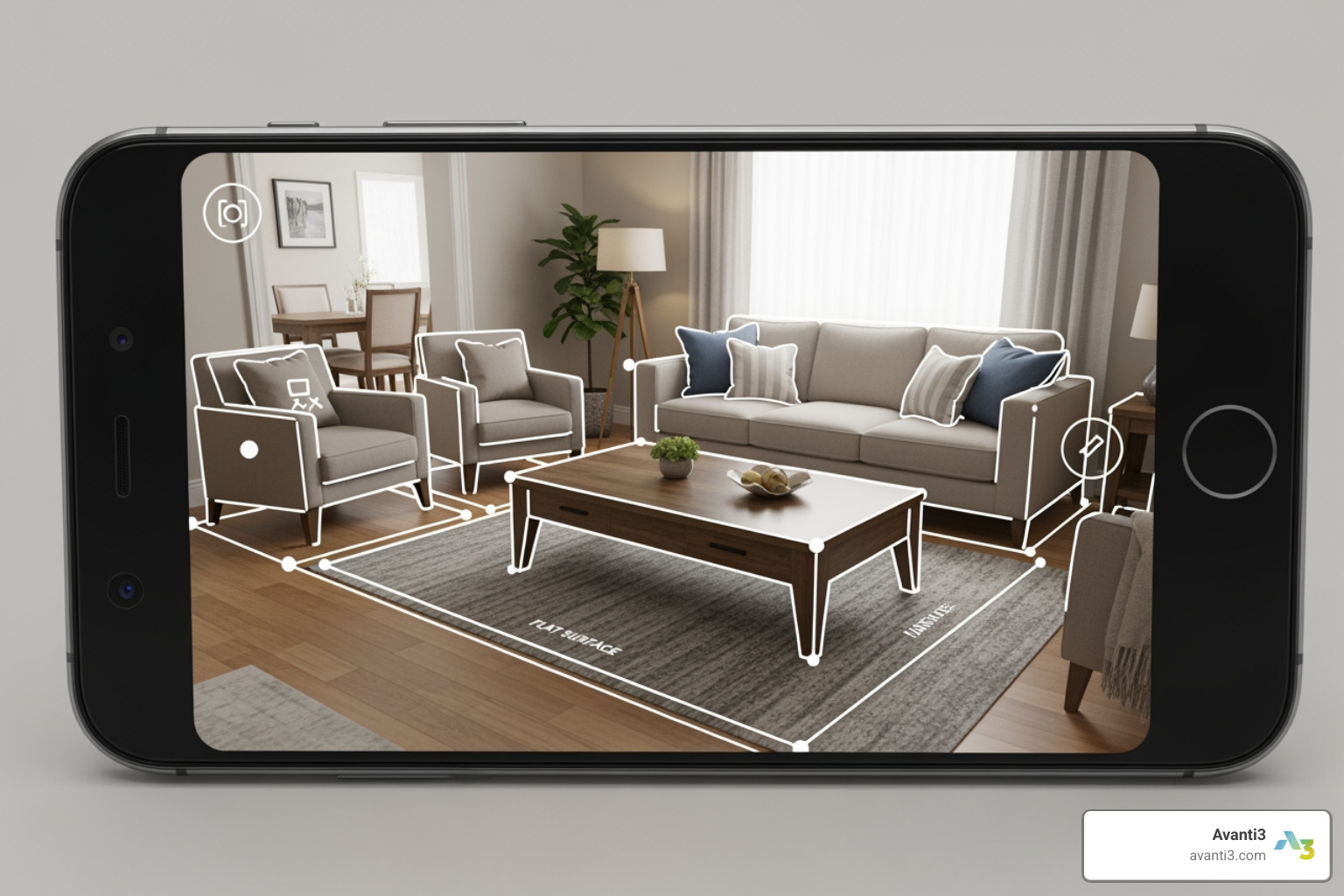
Beyond these basics, ARCore has evolved to include “Scene Semantics,” which uses machine learning models to identify what it’s looking at—distinguishing between a road, a building, or a person. This level of AR/VR Immersive Experiences is what separates a simple filter from a truly intelligent application.
Setting Up Your Android Augmented Reality Development Environment
Before we start coding, we need to make sure our “kitchen” is ready for cooking. Android augmented reality development requires a specific set of tools. We recommend the following baseline:
- Android Studio: You’ll want version 3.1 or higher. It’s the official IDE and includes everything you need to manage your Gradle builds.
- Android SDK: Ensure you have Platform version 7.0 (API level 24) or higher installed. ARCore runs on a wide range of devices from Nougat onwards.
- ARCore SDK: You can clone this directly from the Github repository.
- A Supported Device: While you can use the Android Emulator, nothing beats testing on a physical Google AR & VR supported device.
Once your IDE is ready, you need to configure your AndroidManifest.xml. This is where you tell the Google Play Store that your app needs AR capabilities. You have two choices:
- AR Required: The app won’t work without AR. Play Store will only show it to users with ARCore-supported devices.
- AR Optional: The app has AR features, but they aren’t the whole point. This broadens your potential user base.
You’ll also need to include permissions for the camera:
 android:name="android.permission.CAMERA" />
 android:name="android.hardware.camera.ar" />
For rendering, most native Android AR apps use OpenGL, a programming interface for 2D and 3D vector graphics. If you’re using Unity, you’ll likely use Unity with AR Foundation, which acts as a wrapper for ARCore.
Implementing Advanced Android Augmented Reality Development Features
Once you’ve mastered placing a simple 3D pawn on a floor, it’s time to level up. Modern android augmented reality development offers tools that make experiences feel “solid” and shared.
| Feature | What it Does | Best Use Case |
|---|---|---|
| Depth API | Calculates the distance to every pixel in the camera view. | Creating “occlusions” where virtual objects go behind real furniture. |
| Geospatial API | Uses Google Street View data to anchor content to real-world coordinates. | City-scale games or navigation apps. |
| Cloud Anchors | Saves AR “anchors” to the cloud to be shared with other users. | Multiplayer AR games or collaborative design. |
| Instant Placement | Allows objects to be placed instantly without waiting for plane detection. | Improving “time-to-content” for impatient users. |
One of our favorite tools at Avanti3 for Augmented Reality Marketing is the Depth API. Without it, a virtual dog would look like it’s floating in front of your couch even if it’s supposed to be behind it. With Depth enabled, the app understands the geometry of the room, allowing for realistic occlusions that “wow” the user.
We also use Scene Semantics to help apps understand context. If we know a user is looking at a “sky” versus a “sidewalk,” we can trigger different animations or interactions, making the app feel like it’s truly part of the user’s world.
From Mobile Screens to Android XR and AI Glasses
The world of android augmented reality development is shifting away from just holding a phone in front of your face. Enter Android XR. This is a new platform layer designed specifically for head-worn displays and AI glasses.
While ARCore handles the “perception” (understanding the room), Android XR handles the “experience” (how you see and interact with the UI). The beauty of Android XR is that it leverages existing Android paradigms. If you know how to build a standard Android app using Jetpack Compose, you are already halfway to building for AI glasses.
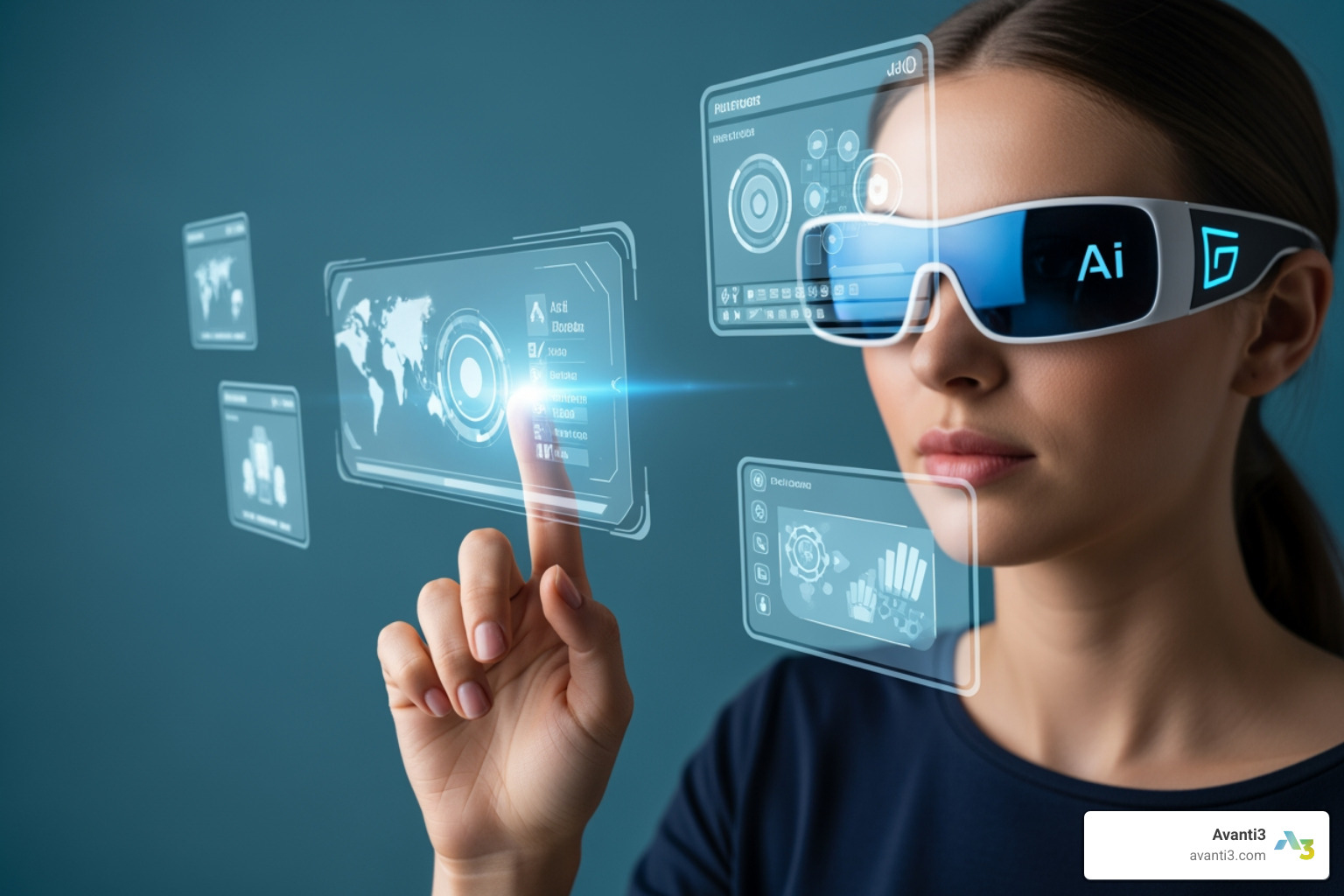
Android XR allows for “Projected Apps,” where a companion phone runs the logic and projects the interface onto the glasses. This preserves battery life on the glasses while giving users a high-performance experience. We are seeing a move toward “spatial awareness” where the UI isn’t just a flat screen in front of your eyes, but elements that can be pinned to walls or follow your gaze.
For developers, this means the Technology is becoming more accessible. You can use the same codebases you’ve built for mobile and extend them into the wearable space. This is a core part of what we do at Avanti3—bridging the gap between standard mobile apps and the next generation of Virtual Reality Experiences.
Building Location-Aware Experiences with the Geospatial API
If you want to turn your entire city into a playground, the Geospatial API is your best friend. In the past, location-based AR relied purely on GPS, which… let’s be honest, can be hit or miss (mostly miss when you’re near tall buildings).
The Geospatial API solves this by using Visual Positioning System (VPS). It compares the user’s camera feed against Google’s massive database of Street View images to determine the exact location and orientation with incredible precision.
We’ve seen this used in amazing ways:
- SPACE INVADERS: World Defense: TAITO turned neighborhoods into battlegrounds using this API.
- Historical Tours: Reconstructing ruins like the Sutro Baths in San Francisco so users can see them as they once were.
- Retail: Brands like Gap and Mattel have used it to transform storefronts into interactive AR Marketing Solutions.
By using the Streetscape Geometry API, we can even get the 3D mesh of nearby buildings. This means your virtual characters can actually “climb” a real-world skyscraper or hide behind a local monument. It turns the entire world into a canvas for Augmented Reality Marketing.
Designing and Testing Immersive AR Applications
Designing for AR is different from designing for a 2D screen. You have to think about “User Stories” in 3D. How does the user move? Is the lighting too dim? Is the room too small?
When we design at Avanti3, we start with wireframes that outline where AR elements will live. We also prioritize accessibility. AR can be physically demanding, so we ensure that UI elements are easy to reach and that the app provides clear feedback if the tracking is lost.
Testing and Troubleshooting Tips:
- Lighting Conditions: Test your app in various settings. ARCore struggles with reflective surfaces (like mirrors) or very dark rooms.
- Device Orientation: Make sure your app handles switching between portrait and landscape smoothly.
- The Android Emulator: You don’t always need a device in hand. The Android Studio AR emulator allows you to move a virtual phone through a simulated room to test plane detection and anchors.
- Crash Reporting: Use tools like Firebase Console and Crashlytics to catch bugs that only happen on specific hardware.
One of the most exciting frontiers we’re exploring is the intersection of Augmented Reality NFTs and mobile apps. Imagine owning a digital piece of art that you can “place” in your home, and because of Cloud Anchors, your friends can see it exactly where you left it when they visit.
The Future of Persistent Computing on Android
We are moving toward an era of context-aware computing. This is where your device doesn’t just wait for you to tap an icon; it understands your surroundings and offers information proactively.
With the integration of AI (like Google’s Gemini) into the Android XR ecosystem, android augmented reality development is becoming smarter. Imagine walking into a grocery store and your glasses highlighting the items on your list, or attending Augmented Reality Concerts where the stage effects are customized to your specific seat in the stadium.
At Avanti3, we believe the future of digital engagement lies in these persistent, shared experiences. We integrate Web3 technologies like blockchain and NFTs to ensure that your digital assets have real value and longevity in these virtual spaces.
If you’re ready to start your journey, we highly recommend checking out the Augmented Reality codelabs. They offer hands-on projects, like the “Hello AR” sample, which lets you place 3D pawns on detected planes. It’s the perfect way to get your feet wet before diving into more complex AR/VR Immersive Experiences.
Final Checklist for Your AR Project:
- [ ] Is ARCore enabled and configured in your manifest?
- [ ] Have you implemented a runtime check to see if the device supports AR?
- [ ] Are you using anchors to keep your objects from “drifting”?
- [ ] Have you tested for occlusion using the Depth API?
- [ ] Is your UI built with Jetpack Compose for future-proofing with Android XR?
The path from “Zero to AR Hero” isn’t just about writing code; it’s about reimagining what’s possible when the digital and physical worlds merge. Whether you’re building for a smartphone or the next generation of AI glasses, the tools are in your hands. We can’t wait to see what you build!